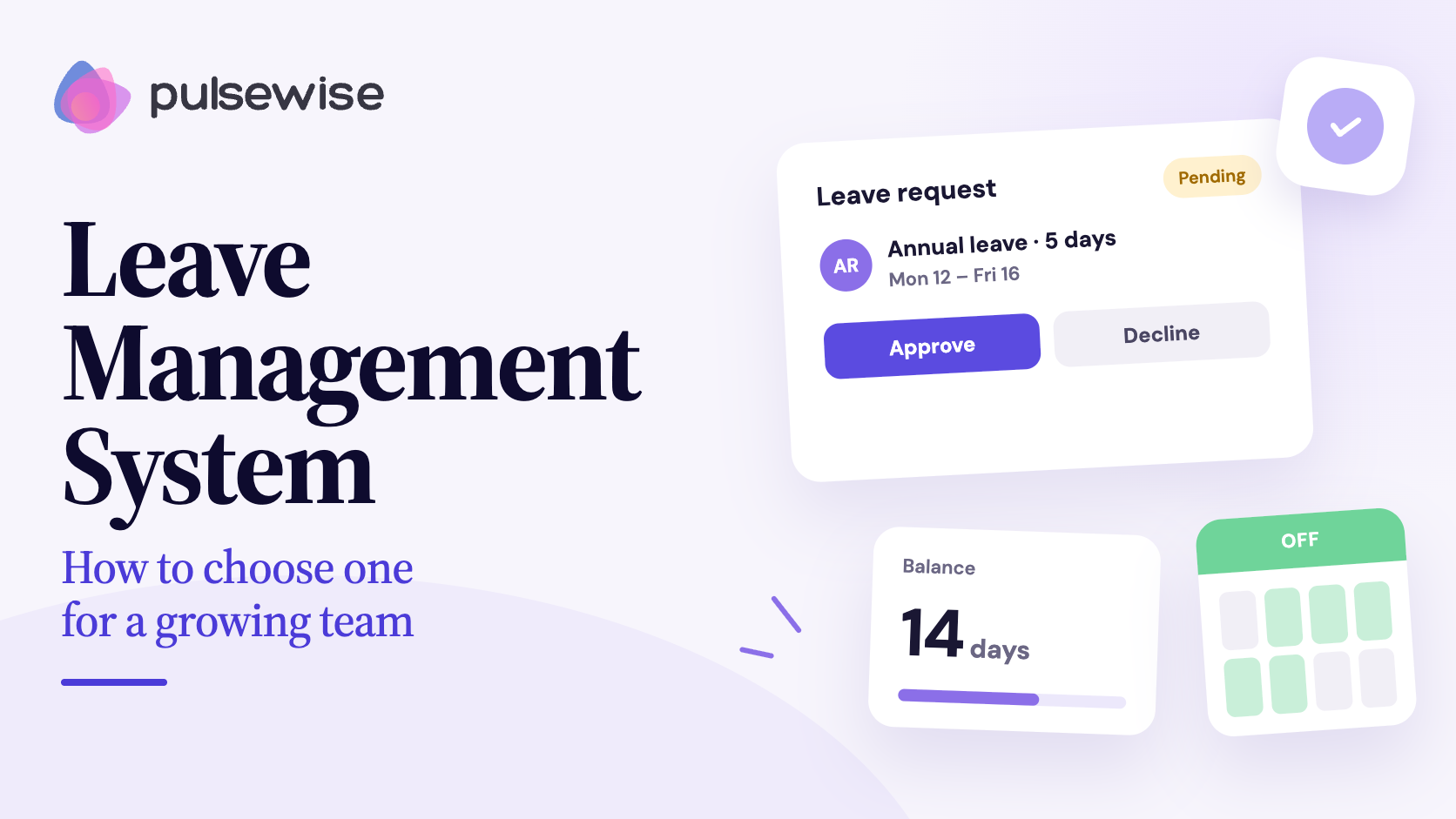
A leave management system is software that lets employees request time off, lets managers approve it, and keeps every leave balance accurate automatically. It replaces the spreadsheet, the email thread, and the “who’s out on Friday?” Slack message with one record everyone can trust.
That is the definition. Here is the reality most growing teams live with.
Somewhere in your shared drive, there is a leave tracker with a tab nobody trusts. Balances get fixed by hand every quarter, approvals sit in someone’s inbox, and the first time anyone learns that half the design team is out the same week is the Monday it happens.
That setup works at 20 people. At 60, it starts costing you weekends. At 150, it costs you payroll corrections and awkward conversations about who said yes to what.
This guide covers what a leave management system should actually do, a 10-point checklist for choosing one, and an honest comparison of the three routes teams take: spreadsheets, HRIS add-ons, and dedicated leave tracking software. It is written for People teams at companies of roughly 50 to 300 people.
TL;DR
- A leave management system handles requests, approvals, balances, a team calendar, and policy rules in one place, so nobody reconciles spreadsheets by hand.
- Five capabilities matter most for growing teams: accurate balances by leave type, a clear approval flow, a team calendar, configurable policies, and a sync with attendance or payroll.
- Spreadsheets break first on balances and approvals. HRIS add-ons can be strong, but often price leave into a bigger bundle. Dedicated tools are cheap and simple, yet live apart from the rest of your people data.
- In Pew Research’s 2023 survey, 46% of US workers with paid time off took less than they were offered, and 43% of them said they felt bad about coworkers picking up the slack. Good team visibility makes leave easier to plan, not just easier to track.
- Pulsewise includes leave management in its current standard plans, connected to attendance and payroll in the same workspace. Confirm which modules your launch workspace includes before activation.
What is a leave management system?
A leave management system is software that records, approves, and tracks employee time off against company policy. It shows each person their available balance, routes requests to the right approver, and keeps a shared calendar of who is away.
Most online leave management systems cover the same core loop:
- Request. An employee picks a leave type and dates, and sees how many days the request will use.
- Approve. The request goes to a manager or approver, who sees the team calendar before deciding.
- Record. The decision updates the balance, the calendar, and ideally attendance and payroll inputs.
- Report. HR sees balances, usage, and adjustments across the company.
Leave management vs a PTO tracker
A PTO tracker usually counts days. A leave management system also enforces the rules behind those days: which leave types exist, how much each person gets, which period it applies to, and who is allowed to adjust it.
If you only need to know who is on holiday, a simple PTO tracker may be enough. If you have more than one leave type, more than one location, or payroll that depends on payable days, you need the rules layer too.
Why employee leave management matters more than it looks
Leave feels administrative, but it shapes how rested and supported your team is. In a Pew Research Center survey of 5,188 US workers, 46% of those with paid time off took less than they were offered.
Among them, 49% worried about falling behind and 43% felt bad about coworkers taking on extra work. Those are planning problems as much as culture problems, and a visible team calendar is one of the simplest fixes.
Paid leave is also near-universal, so the volume adds up fast. The US Bureau of Labor Statistics reports that 80% of private industry workers had access to paid vacation and 81% to paid sick leave in March 2026.
Signs you have outgrown your current leave process
You have outgrown your leave process when fixing it takes more time than running it. These are the patterns People teams describe most often.
- Balances do not match. The spreadsheet says nine days, the employee says eleven, and nobody can prove either.
- Approvals vanish. Requests live in email or chat, so there is no record of who approved what, or when.
- Clashes surprise you. Three people on a five-person team book the same week, and the manager finds out after approving all three.
- Payroll gets corrected after the fact. Unpaid leave or half days reach payroll late, so someone recalculates pay by hand.
- Policy changes are painful. A new leave type or a new office means rebuilding formulas and hoping nothing breaks.
- Managers ask HR for everything. “How much leave does Priya have left?” should not need a message to the People team.
If three or more of those sound familiar, a leave management system will pay for itself in recovered hours alone. A WTW survey reported by HRO Today found 49% of employers call leave program administration their biggest obstacle, and 39% cite integrating leave systems.
How to choose a leave management system: a 10-point checklist
The best leave management system for a growing team gets five things right: balances, approvals, team visibility, policy setup, and attendance or payroll sync. Use the ten questions below to test every option on your shortlist.
1. Balances by leave type
Every employee should see an accurate balance for each leave type, such as annual, sick, and unpaid. Before submitting, they should be able to preview how many days a request will use.
Ask the vendor: How are balances calculated, and can employees see their own history without asking HR?
2. A clear approval flow
Requests should route to the right approver automatically, with the decision attached to the request forever. That record matters the first time someone disputes a balance.
Ask the vendor: Can you set approvers by team, and what happens when an approver is on leave themselves?
3. A team calendar before approval
Managers should see who else is away before they say yes. This is the feature that prevents three people from booking the same week.
Ask the vendor: Does the approver see the team calendar inside the request, or do they have to check a separate view?
4. Policy setup you control
HR should be able to configure leave types, policies, periods, and allocations without a support ticket. Growing teams add locations and leave types more often than they expect.
Ask the vendor: Can we model our actual policy, including different rules for different groups?
5. Attendance and payroll sync
This is where leave tracking software either saves real time or creates more work. Approved leave should update attendance for the counted dates, and payroll should be able to use that data for payable days.
Ask the vendor: Does approved leave flow into attendance automatically, and what happens when it conflicts with an existing attendance entry?
6. Cancellations and authorized adjustments
Plans change. Employees need to cancel requests, and HR needs to adjust balances with a clear audit trail of who changed what.
Ask the vendor: Who is allowed to adjust a balance, and is every adjustment logged?
7. Accruals and carry forward
If your policy accrues leave monthly or carries unused days into the next period, test this with your real rules. It is the most common place where tools look similar in a demo and behave differently in practice.
Ask the vendor: Walk us through a carry-forward example using our policy, not a template.
8. Holiday calendars by location
Distributed teams need public holidays per location, so a holiday in Berlin is not counted as a working day in Bengaluru.
Ask the vendor: Can we assign different holiday calendars to different people?
9. Permissions and privacy
Managers should see their own team, not the whole company. Sick leave reasons in particular should stay visible only to people who need them.
Ask the vendor: Can we separate who views leave from who edits it, and restrict sensitive leave types?
10. Where people already work
Adoption depends on friction. A leave tool that lives inside the same workspace as 1:1s and goals, or inside Slack or Teams, gets used. A separate login gets ignored.
Ask the vendor: Where will employees actually submit requests day to day?
Want to see this checklist in a live workspace? Pulsewise leave management shows balances, approvals, the team timeline, and policy setup in one place. Bring your leave policy to a demo and test it against your real rules.
Spreadsheet vs HRIS add-on vs dedicated leave tool
Growing teams usually choose between three routes for employee leave management. Each one is right for someone, and each breaks in a predictable place.
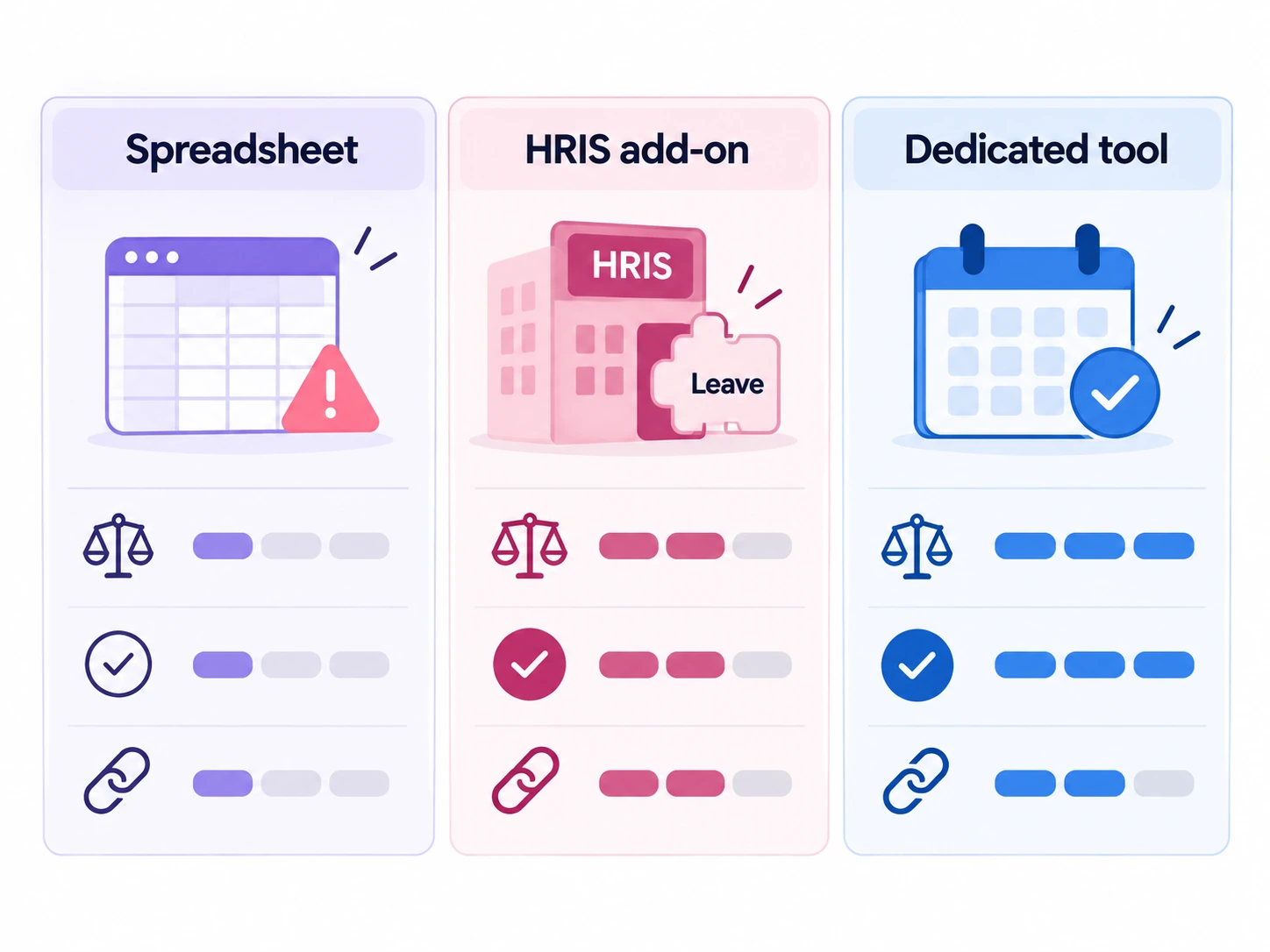
| Spreadsheet or shared calendar | HRIS add-on or module | Dedicated leave tool | |
|---|---|---|---|
| Examples | Google Sheets, Excel, shared calendars | Leave inside an HRIS such as BambooHR or Zoho People | Timetastic, Vacation Tracker |
| Cost | Free | Usually bundled into per-employee HRIS pricing | Low per-user fees, often with a monthly minimum |
| Balances | Manual formulas | Automatic | Automatic |
| Approvals | Email or chat | Built-in workflow | Built-in workflow |
| Team calendar | Manual | Yes | Yes, usually the core feature |
| Policy setup | Rebuilt by hand | Configurable | Configurable, depth varies by plan |
| Attendance and payroll sync | None | Strong if the HRIS also runs attendance and payroll | Usually via exports or integrations |
| Connection to people data | None | Shared employee record | Separate system |
| Breaks first on | Balances and audit trail at about 30 to 50 people | Cost, when leave pulls you into a bigger bundle | Data drifting from your HR and payroll records |
| Best for | Very small teams with one leave type | Teams that already run, or want, core HR in one system | Teams that only need leave and already have HR elsewhere |
When a spreadsheet is still fine
If you have fewer than 20 people, one location, and one or two leave types, a spreadsheet with a shared calendar is honestly fine. The moment you add a second office, a second approver, or payroll that depends on payable days, it becomes the most expensive free tool you own.
When an HRIS add-on makes sense
If you are also replacing employee records, attendance, or payroll, leave belongs inside that system. The shared employee record is the whole point, because leave, attendance, and pay stop disagreeing with each other.
The risk is cost structure. Some HRIS vendors sell attendance and payroll as add-ons, so read the tier carefully. Our guide to HR software for small business compares module coverage and pricing models across eight platforms.
When a dedicated leave tool makes sense
If your HR records and payroll already live somewhere you are happy with, a dedicated PTO tracker is the fastest fix. Timetastic and Vacation Tracker are both simple, quick to set up, and priced per user.
The trade-off is a second system. Leave data then has to reach payroll and attendance by export or integration, and someone has to own that sync every month.
What does leave tracking software cost?
Dedicated leave tracking software typically costs $1 to $4 per user per month, often with a monthly minimum. Leave inside an HRIS is usually bundled into a per-employee price that also covers records, onboarding, and other modules.
Published examples, checked on 13 October 2026:
| Tool | Published pricing | Notes |
|---|---|---|
| Timetastic | From £1.20 per user per month, Pro at £2.00 (Capterra) | Free version and free trial; 4.7 on Capterra from 588 reviews |
| Vacation Tracker | Core and Complete plans priced per user with a monthly minimum | 14-day free trial; accrual policies on Complete. The pricing page shows two different figures, so confirm before quoting |
| BambooHR | Core from $10 per employee per month, flat $250 a month for 25 or fewer | Time off included in Core; time and attendance is a paid add-on |
| Zoho People | Free for up to 5 users, low per-user paid tiers | Strong attendance module; verify current tier prices on Zoho’s site |
| Pulsewise | Leave included in current standard plans; launch offer for eligible teams | Modules included in a launch workspace are confirmed before activation |
At 100 employees, a dedicated tool costs roughly $100 to $400 a month. That is cheap, but remember the hidden line item: the hours someone spends moving leave data into attendance and payroll.
Where Pulsewise fits
Pulsewise leave management is built for teams that want leave connected to the rest of their people operations, not sitting in a separate tracker. It lives in the same workspace as time and attendance, payroll, the people directory, and engagement tools like pulse surveys and 1:1s.
Here is how it maps to the checklist.
| Checklist item | What Pulsewise does today |
|---|---|
| Balances by leave type | Employees see balances for each leave type and preview the dates and day count before submitting |
| Approval flow | Requests move through an approval workflow, with the decision kept on the request |
| Team calendar | Managers see a team leave view and timeline with upcoming leave next to the people it belongs to |
| Policy setup | HR configures leave types, policies, periods, and allocations, and reviews balance reports |
| Attendance sync | Approved leave can update attendance for counted dates; conflicts with existing entries go to review first |
| Payroll | Payroll can use leave or attendance data, depending on the configured mode |
| Cancellations and adjustments | Cancellation workflows and authorized balance adjustments, based on request state, policy, and permissions |
What it does not do
Being honest about limits saves everyone a bad rollout.
- It does not assign cover. The team view supports planning, but it does not automatically reassign or reschedule work.
- Approval does not run payroll. Approved leave feeds the data, but it does not run payroll or send a payment. Payroll sits on the Elevate plan.
- Some details need a demo. Accrual rules, carry forward, and multi-step approval chains are not described on the public page, so bring your policy and test them live.
AI assistant access
If your team uses Claude or ChatGPT, the Pulsewise MCP lets people check a leave balance or approve a request from their assistant. The assistant acts with the user’s own permissions and asks for confirmation before approving or rejecting a request, repeating who, what, and when.
Pricing
Leave management is included in Pulsewise’s current standard plans. The first 100 eligible teams can receive one workspace free forever for up to 100 users, subject to availability, and Pulsewise confirms the included modules with each team before activation.
Ready to retire the leave spreadsheet? See how balances, approvals, and the team timeline work in Pulsewise leave management, then check what your team’s plan includes.
How to roll out a new leave management system
Rolling out a leave management system takes two to four weeks for most teams of 50 to 300 people. The work is mostly cleaning data and agreeing rules, not configuring software.
- Write down your actual policy. List every leave type, entitlement, period, and carry-forward rule, including the exceptions people “just know.”
- Clean opening balances. Agree a cut-off date and reconcile every balance with each employee before import. This is the step that prevents months of disputes.
- Set approvers and permissions. Decide who approves for each team, who can adjust balances, and who sees sensitive leave types.
- Load holiday calendars. Add public holidays per location before anyone submits a request.
- Pilot with one team. Run one team for two weeks, including at least one cancellation and one adjustment.
- Announce one way to request leave. Retire the spreadsheet and the email route on the same day, or both will survive.
- Check the first payroll. Compare payable days against the old method for the first cycle, then trust the system.
Once leave is visible, use it. A manager who sees that someone has not taken a day off in five months has a reason to raise it in their next 1:1 conversation. For more on reading those signals early, see our guide to engagement and retention.
Closing
Nobody started a company to maintain a leave spreadsheet. Yet at 60 or 100 people, that spreadsheet quietly becomes one of the most trusted and least trustworthy documents you own.
The right leave management system is the one that makes balances boring, approvals visible, and payroll inputs automatic. Whether that is a simple PTO tracker or leave inside a wider HR workspace depends on what else you are trying to fix.
If you want leave, attendance, payroll, and engagement in one place, take a look at how Pulsewise leave management works.
Book a short demo with your leave policy in hand.
FAQs
What is a leave management system?
A leave management system is software that records, approves, and tracks employee time off against company policy. Employees request leave and see their balances, managers approve with the team calendar in view, and HR configures leave types, policies, and allocations. Many systems also sync approved leave with attendance and payroll.
What are the key features of a leave management system?
The key features are balances by leave type, an approval workflow, a team leave calendar, configurable policies and allocations, and cancellations with authorized adjustments. For growing teams, attendance and payroll sync matters just as much, because it stops leave data from being re-entered by hand every pay cycle.
Can I manage employee leave in Excel?
Yes, for small teams with one location and one or two leave types. Excel breaks down as you grow, because balances need manual formulas, approvals live in email, and there is no audit trail. Most teams move to leave tracking software somewhere between 30 and 50 employees.
What is the difference between a PTO tracker and a leave management system?
A PTO tracker mainly counts days off and shows who is away. A leave management system also enforces the policy behind those days, including leave types, allocations, periods, approvers, and adjustments. It often connects to attendance and payroll, so approved leave updates payable days without manual work.
How much does leave management software cost?
Dedicated leave tracking software usually costs about $1 to $4 per user per month, often with a monthly minimum. HRIS platforms typically bundle leave into broader per-employee pricing, such as BambooHR’s Core plan from $10 per employee. Some all-in-one platforms include leave in their standard plans.
How does leave management connect to payroll?
Approved unpaid leave and attendance determine payable days, which payroll uses to calculate pay. In a connected system, approved leave updates attendance and payroll reads that data automatically. With separate tools, someone exports leave data each cycle and enters it into payroll, which is where most corrections come from.