Every small business has a version of the same Thursday. Payroll closes tomorrow, and someone is matching a timesheet export against a leave tracker, a few Slack messages about missed punches, and a calendar invite that says “Sam out, dentist.”
None of those records agree, so the person running payroll picks one and hopes. When the guess is wrong, an employee is marked absent for a day they took as approved leave, or paid twice for a day they never worked.
A time and attendance system is supposed to end that Thursday. Most of them only solve the first third of it: they record hours well, then hand a file to a separate leave tool and a separate payroll tool.
This guide compares 11 time and attendance systems for teams of roughly 10 to 50 people. Every tool is judged on two columns most roundups skip: whether approved leave reaches the attendance record, and whether those hours reach payroll without someone re-keying them.
TL;DR
- Best for one connected workspace: Pulsewise, where attendance, leave, and payroll read from the same record. It is an emerging platform with a launch offer for eligible teams.
- Best for single-location hourly teams with US payroll: Homebase, with a free plan and a native payroll add-on.
- Best-rated support with PTO accruals: Buddy Punch, rated 4.8 on both G2 and Capterra as of October 2026.
- Already on QuickBooks Online? QuickBooks Time has the deepest native sync, at the highest cost per head on this list.
- Need something free? Jibble is free for unlimited users, though leave and payroll rely on exports.
- Ratings sit between 4.3 and 4.8 for every rated tool here, so reviews will not separate them. The leave-to-payroll flow will.
Comparison table: 11 time and attendance systems
Five tools on this list can keep attendance, leave, and payroll with one vendor: Pulsewise, Homebase, Buddy Punch, Deputy, and QuickBooks Time. Most of them charge for payroll as a paid add-on, and the rest hand hours to a separate payroll tool.
All prices are list prices from each vendor’s pricing page, in USD, as of October 2026.
| Tool | Best for | Pricing model | Entry price | Free plan | Leave sync | Payroll sync |
|---|---|---|---|---|---|---|
| Pulsewise | Attendance, leave, and payroll in one workspace | Workspace plans (Pulse, Momentum, Elevate); paid prices not published | Free forever for the first 100 eligible teams, up to 100 users (pricing) | Yes, launch offer | Native: approved leave updates attendance | Native on Elevate: payment days from leave or attendance data |
| Homebase | Single-location hourly teams | Per location per month | Essentials $30/location/mo; Plus $70 adds PTO policies (pricing) | Yes, 1 location, up to 10 employees | Native PTO accruals on Plus and above | Native payroll add-on, $49/mo + $6/employee paid |
| Buddy Punch | Hourly teams wanting PTO accruals and optional payroll | Base fee + per user | $19/mo base + $4.99/user annual, $5.99 monthly (pricing) | No | Native PTO tracking and accruals | Integrations on all plans; native payroll $49/mo + $8/user |
| Deputy | Shift-heavy teams needing auto-scheduling | Per user per month | Lite $5, Core $6.50, Pro $9/user/mo; $30/mo minimum (pricing) | No | Native leave management in Lite | Integrations in Lite; Deputy Payroll (by Paycor) $49/mo + $8/user, annual Core/Pro, US only |
| QuickBooks Time | Businesses already on QuickBooks Online | Base fee + per user | Premium $20/mo + $10/user; Elite $40/mo + $12/user (pricing) | No | Native PTO tracking | Native sync to QuickBooks; requires QuickBooks Online |
| Connecteam | Deskless and field teams on mobile | Flat fee for first 30 users, then per user | Basic $29/mo annual, $35/mo monthly; +$0.80 to $1/user over 30 (pricing) | Yes, up to 10 users | Native time off and balance policies from Basic | Integrations from Basic; not on free plans |
| When I Work | Simple shift scheduling | Per user per month | Essentials $2.50, Pro $5, Premium $8/user/mo; attendance add-on price not shown (pricing) | 14-day trial only | Time-off tracking via time clock | Integrations from Essentials |
| Clockify | Budget time tracking for small remote teams | Per seat per month | Standard $5.49/seat annual, $6.99 monthly, needed for time off and attendance (pricing) | Yes, up to 5 users | Time off from Standard | Attendance report and QuickBooks integration from Standard |
| Jibble | Free attendance with face recognition | Free core; custom enterprise | Free for unlimited users; paid tiers not published | Yes, unlimited users | Native time off and accruals | Export to QuickBooks, Xero, Deel |
| Factorial | Growing teams wanting a modular HRIS | Custom quote per module | From $8/user/mo (pricing) | No | Native time off | Payroll data sync; US payroll scope not stated |
| Zoho People | Teams already using Zoho apps | Per user per month, 5-user minimum | Attendance starts on Professional; USD price varies by region (pricing) | Yes, up to 5 users (leave, no attendance) | Native leave | Zoho Payroll only in India and UAE |
How a time and attendance system feeds payroll and leave
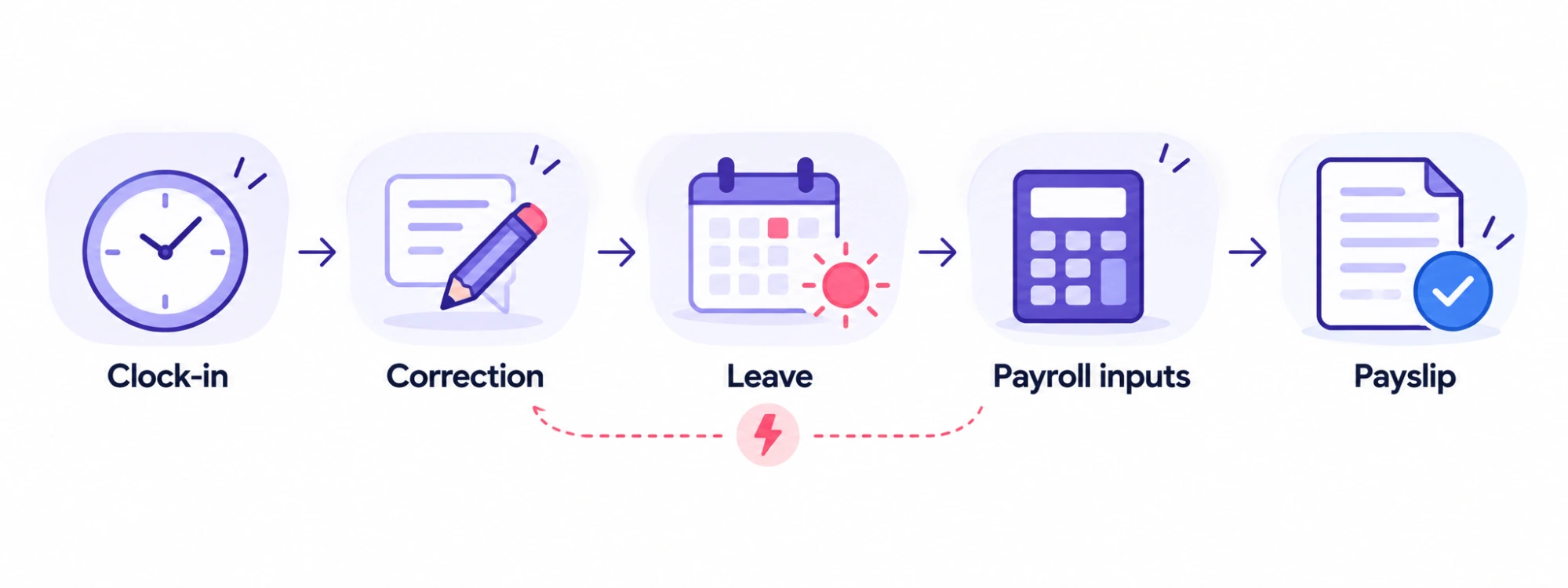
A time and attendance system records when people work, but its real job is producing a number payroll can trust. That number depends on three records agreeing: hours worked, approved leave, and the payroll calendar.
When those records live in separate tools, someone reconciles them by hand every pay period. Here is the flow that employee attendance tracking has to survive before a payslip is right.
- Clock-in and clock-out. Each punch creates the raw daily record, with shift rules and grace windows applied.
- Exceptions and corrections. Missed punches, remote days, and on-site visits get fixed, with a reason and an approver attached.
- Approved leave. The day is marked as paid or unpaid leave and drawn down from the balance. It must not collide with a punch on the same day.
- Payroll inputs. That record becomes payable days or hours, overtime, and deductions for the pay period.
- Payroll run and payslip. Payroll uses those inputs, so any upstream error shows up here as an over- or underpayment.
Where separate tools break
The failure point is almost always step three. Leave approved in one app is missing from the timesheet exported from another, so the employee is either marked absent or paid twice.
A connected system writes the leave into the attendance record before payroll reads it. The dispute never reaches the payslip, because the conflict surfaces at the attendance stage where a manager can resolve it.
What payroll errors cost
An EY survey of 508 US payroll professionals, published by Paycom in December 2022, found that one in five payrolls contain errors. Each error costs an average of $291 to fix.
The same survey counted 1,139 time, attendance, and expense errors per 1,000 employees each year. The sample covered companies with 250 to 10,000 employees, so treat it as an industry benchmark rather than a small-team figure.
The stakes are not only internal. The US Department of Labor’s Wage and Hour Division recovered more than $259 million in back wages for nearly 177,000 workers in fiscal year 2025, an average of $1,465 per worker.
See the flow in one workspace. In Pulsewise attendance, check-ins, correction requests, and approved leave land on the same record payroll reads from. Bring one messy pay period to a demo and trace it end to end.
What to look for in attendance tracking software
Good attendance tracking software makes the daily record accurate and keeps it accurate all the way to payroll. Use these seven criteria to test every tool on your shortlist.
1. Clock-in options that match how people work
Office and remote teams need a simple web or app clock-in. Hourly and field teams usually need mobile clock-in, a shared kiosk, or both.
Ask the vendor: Can one workspace mix mobile, web, and kiosk clock-in for different groups?
2. Geofencing and verification
Geofencing confirms a punch happened at the right site, and face recognition or photo capture stops buddy punching. Both matter more for multi-site hourly teams than for office teams.
Ask the vendor: Is GPS or geofencing included, or priced as an add-on per user?
3. A corrections workflow with reasons
Missed punches are inevitable. What matters is whether an employee can request a fix, give a reason, and see the decision, instead of messaging a manager and hoping.
Ask the vendor: Who can approve a correction, and is every change logged with a reason?
4. Leave sync
Approved leave should update the attendance record for those dates. If it does not, someone will reconcile the two every pay period. Our guide to choosing a leave management system covers the leave side of this in depth.
Ask the vendor: What happens when approved leave conflicts with an existing punch on the same day?
5. Payroll sync
Check whether payroll is native, an add-on, or an integration with the payroll tool you already use. A “QuickBooks integration” on a feature list can mean anything from a live sync to a CSV export.
Ask the vendor: Does it sync with our payroll provider, and what still needs manual review before a run?
6. Shift scheduling at the depth you need
Shift scheduling ranges from basic shift setup and assignment to auto-scheduling, demand forecasting, and shift swaps. Most office teams need the first, while rota-heavy teams need the second.
Ask the vendor: Which scheduling features are in our tier, and which sit in a higher plan?
7. Real cost at your headcount
Pricing models vary widely: per user, per location, flat fee for the first 30 users, or base fee plus per user. Price your actual team at 10, 25, and 50 people before comparing list prices.
Ask the vendor: What is our monthly total with every add-on we need, including payroll?
The best time and attendance systems for small teams
Ratings below come from G2 and Capterra, as of October 2026. Pros and cons are drawn from recurring themes in user reviews.
1. Pulsewise: best for attendance, leave, and payroll in one workspace
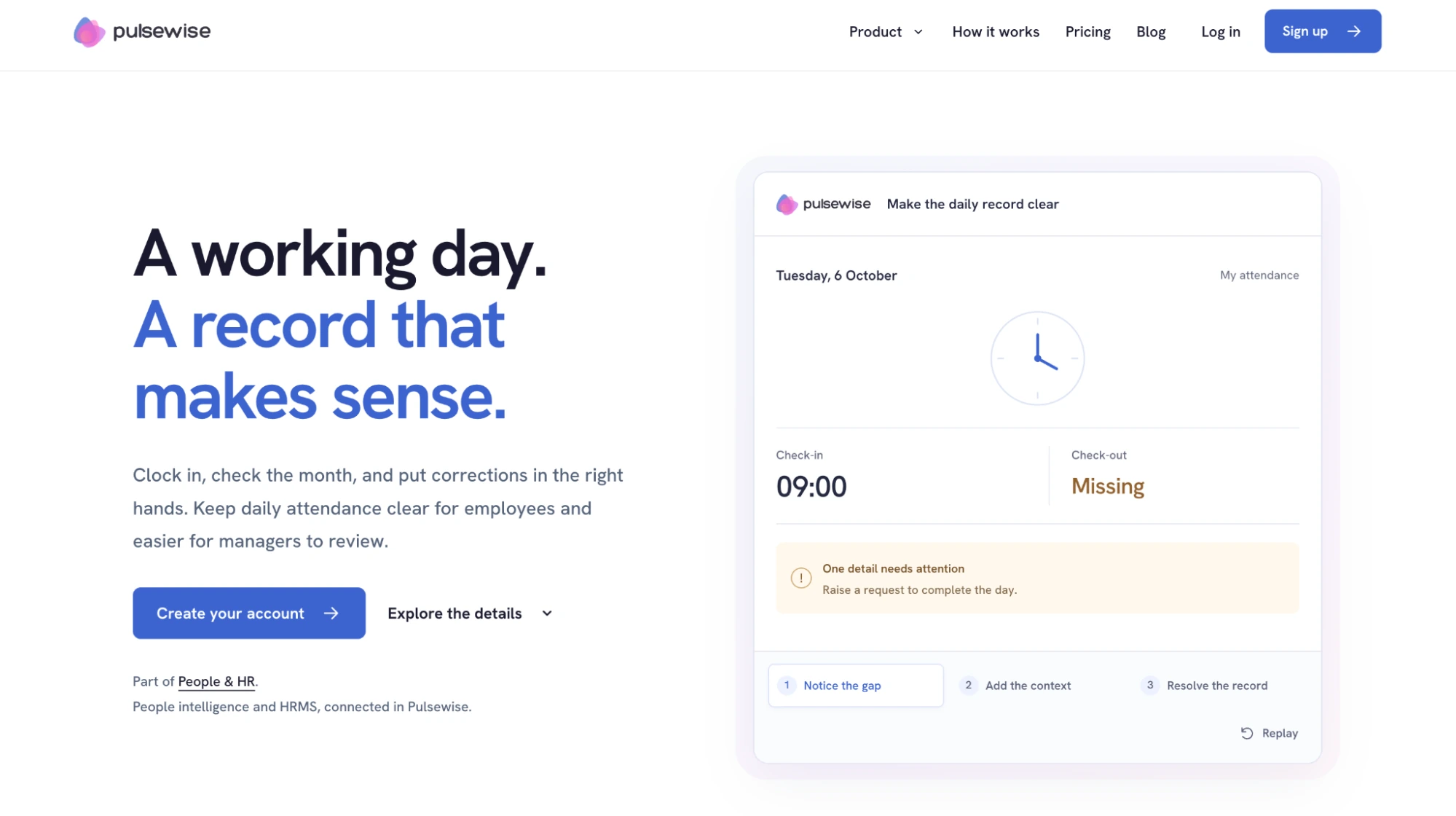
Pulsewise is an emerging platform that runs attendance, leave, payroll, and the people directory in one workspace, alongside engagement tools like pulse surveys and 1:1s. Employees clock in and out daily, see missing check-outs flagged, and inspect any day in a monthly view.
Correction requests carry a reason, such as working from home, on duty elsewhere, or a forgotten check-out, and a visible decision. Admins configure shifts, holiday calendars, and grace windows, while managers review team attendance with filters and exceptions.
Approved leave can update attendance records, and conflicting entries go to review first. Payroll on the Elevate plan calculates payment days from leave or attendance data, depending on the payroll mode you configure.
- Pros: one record for attendance, leave, and payroll; corrections with reasons and decisions; attendance included across current standard plans
- Cons: no payroll connectors today (integrations cover Slack, CSV upload, and REST API); shift scheduling covers setup and assignment, not auto-scheduling or swaps; processing a payroll run does not send the bank payment
- Pricing: free forever for the first 100 eligible teams, up to 100 users, as of October 2026. Pulsewise confirms included modules before activation.
- Ratings: not yet listed on G2 or Capterra
Want hours you approve to be the hours you pay? Explore Pulsewise attendance, then check whether your team qualifies for the launch offer.
2. Homebase: best for single-location hourly teams
Homebase combines scheduling, a time clock, and team communication, with built-in payroll that handles automated tax filing. Reviewers consistently praise how easy it is for hourly staff to pick up.
The free plan covers one location and up to 10 employees. PTO accrual policies start on Plus, and multi-location features need a paid tier.
- Pros: easy to use, strong free plan, native payroll with tax filing
- Cons: support is hard to reach; time-off scheduling and multi-location need paid tiers
- Pricing: Essentials $30 per location per month; Plus $70 list price; payroll $49/mo + $6 per paid employee, as of October 2026
- Ratings: G2 4.6 (614 reviews), Capterra 4.6 (1,157 reviews)
3. Buddy Punch: best-rated support with PTO accruals
Buddy Punch is the highest-rated tool on this list, and reviewers single out its support team. PTO accruals are included from the Starter plan, which many competitors reserve for higher tiers.
It integrates with payroll providers on every plan, and also offers native payroll with W-2s and tax filing. Watch the add-ons: GPS tracking ($2 per user) and scheduling ($1 per user) raise the real price.
- Pros: top-rated support, PTO accruals on Starter, optional native payroll
- Cons: occasional punches that fail to save, limited report customization
- Pricing: $19/mo base + $4.99 per user billed annually ($5.99 monthly); native payroll $49/mo + $8 per user, as of October 2026
- Ratings: G2 4.8 (408 reviews), Capterra 4.8 (1,131 reviews)
4. Deputy: best for shift-heavy teams needing auto-scheduling
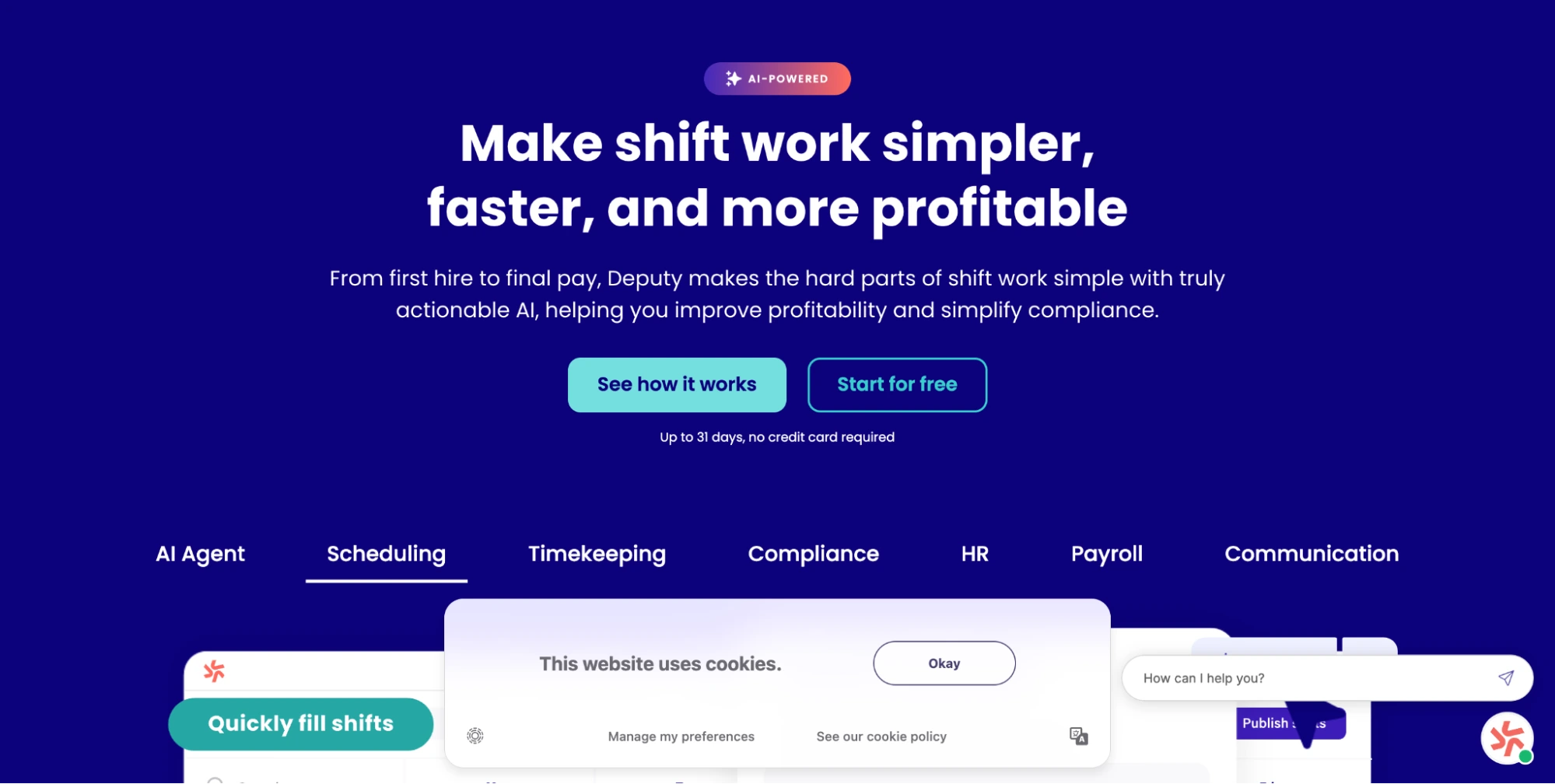
Deputy is built for rotas. Its mobile app is intuitive, and Core adds auto-scheduling and demand forecasting, which suits hospitality, retail, and care teams with variable shifts.
Leave management is native even in Lite. Deputy Payroll, powered by Paycor, is available in the US on annual Core and Pro plans.
- Pros: intuitive mobile app, auto-scheduling and forecasting, native leave from the entry tier
- Cons: slow support, sync delays, some concerns about payroll calculations; the $30 monthly minimum hurts very small teams
- Pricing: Lite $5, Core $6.50, Pro $9 per user per month; Deputy Payroll $49/mo + $8 per user, as of October 2026
- Ratings: G2 4.6 (666 reviews), Capterra 4.6 (774 reviews)
5. QuickBooks Time: best for businesses already on QuickBooks Online
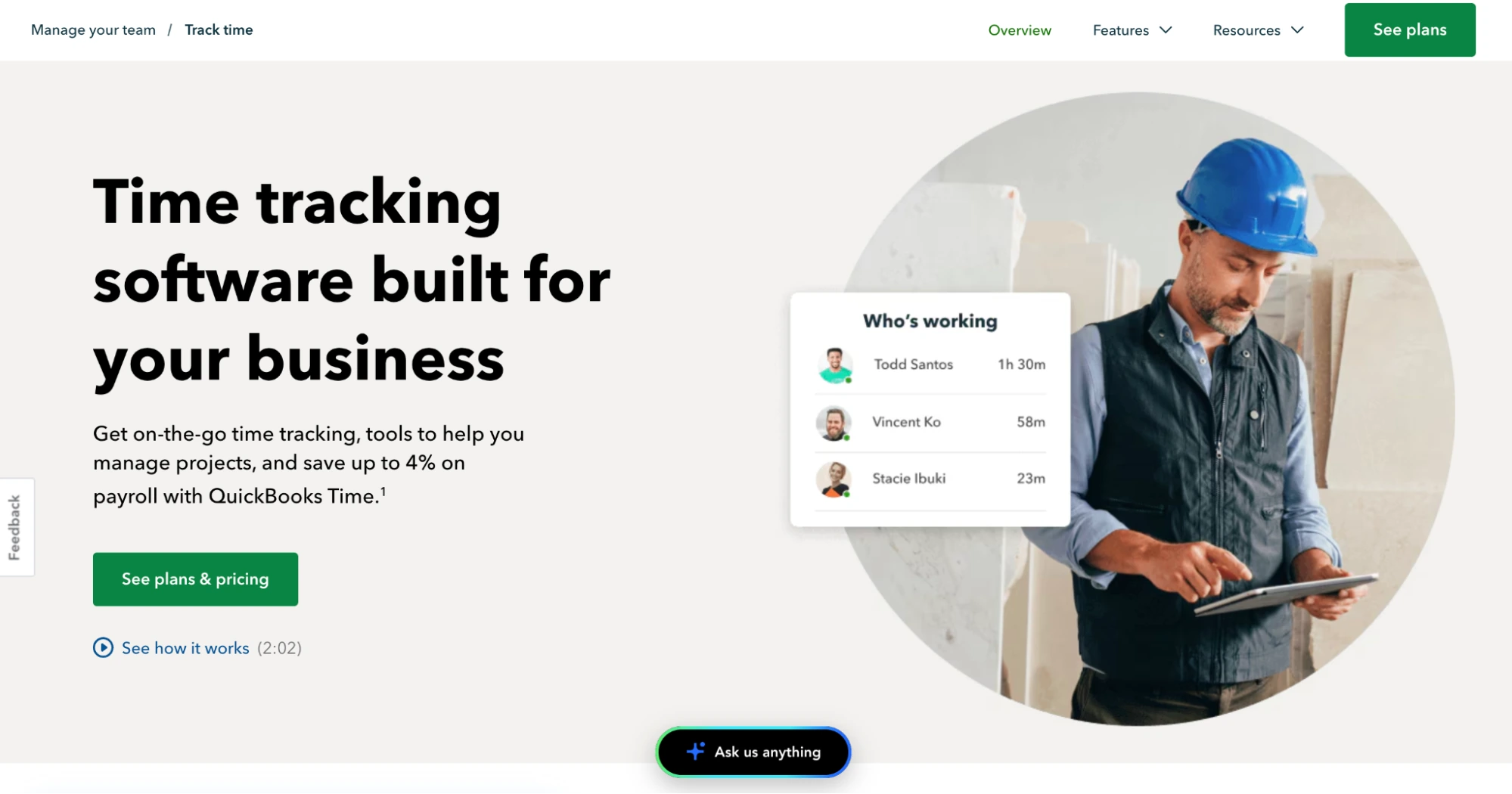
QuickBooks Time has the deepest payroll sync on this list, as long as you run QuickBooks. Job costing and GPS tracking make it popular with field service and construction teams.
It is also the most expensive per head here, and it requires a QuickBooks Online subscription on top. Intuit currently offers 50% off the base fee for three months.
- Pros: native QuickBooks payroll sync, job costing, GPS for field teams
- Cons: highest cost per head, requires QuickBooks Online, confusing permission settings
- Pricing: Premium $20/mo + $10 per user; Elite $40/mo + $12 per user, as of October 2026
- Ratings: G2 4.5 (1,449 reviews), Capterra 4.7 (7,021 reviews)
6. Connecteam: best for deskless and field teams
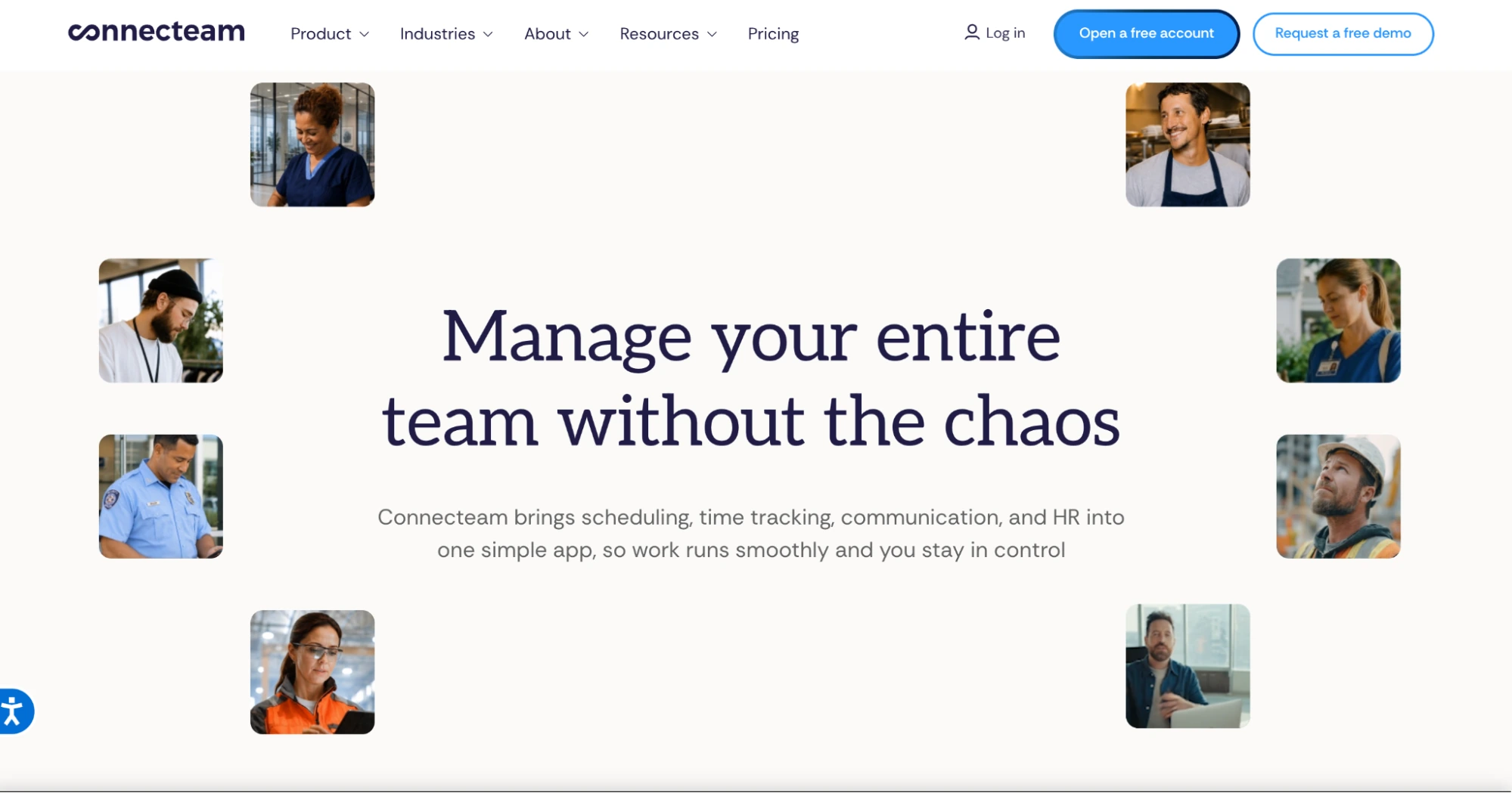
Connecteam puts scheduling, a time clock, team chat, and HR tools in one mobile app. Field teams praise its GPS clock-in, and time-off balance policies are native from Basic.
The flat fee for the first 30 users makes it one of the cheapest options for a 25-person team. Free plans allow one time clock and exclude payroll integration.
- Pros: one app for deskless teams, GPS clock-in, low flat pricing up to 30 users
- Cons: no permanent recurring schedules, weak leave-request visibility, payroll export issues, key features in higher tiers
- Pricing: Basic $29/mo billed annually ($35 monthly) for the first 30 users, then $0.80 to $1 per user, as of October 2026
- Ratings: G2 4.6 (3,506 reviews), Capterra 4.6 (5,318 reviews)
7. When I Work: best for simple shift scheduling
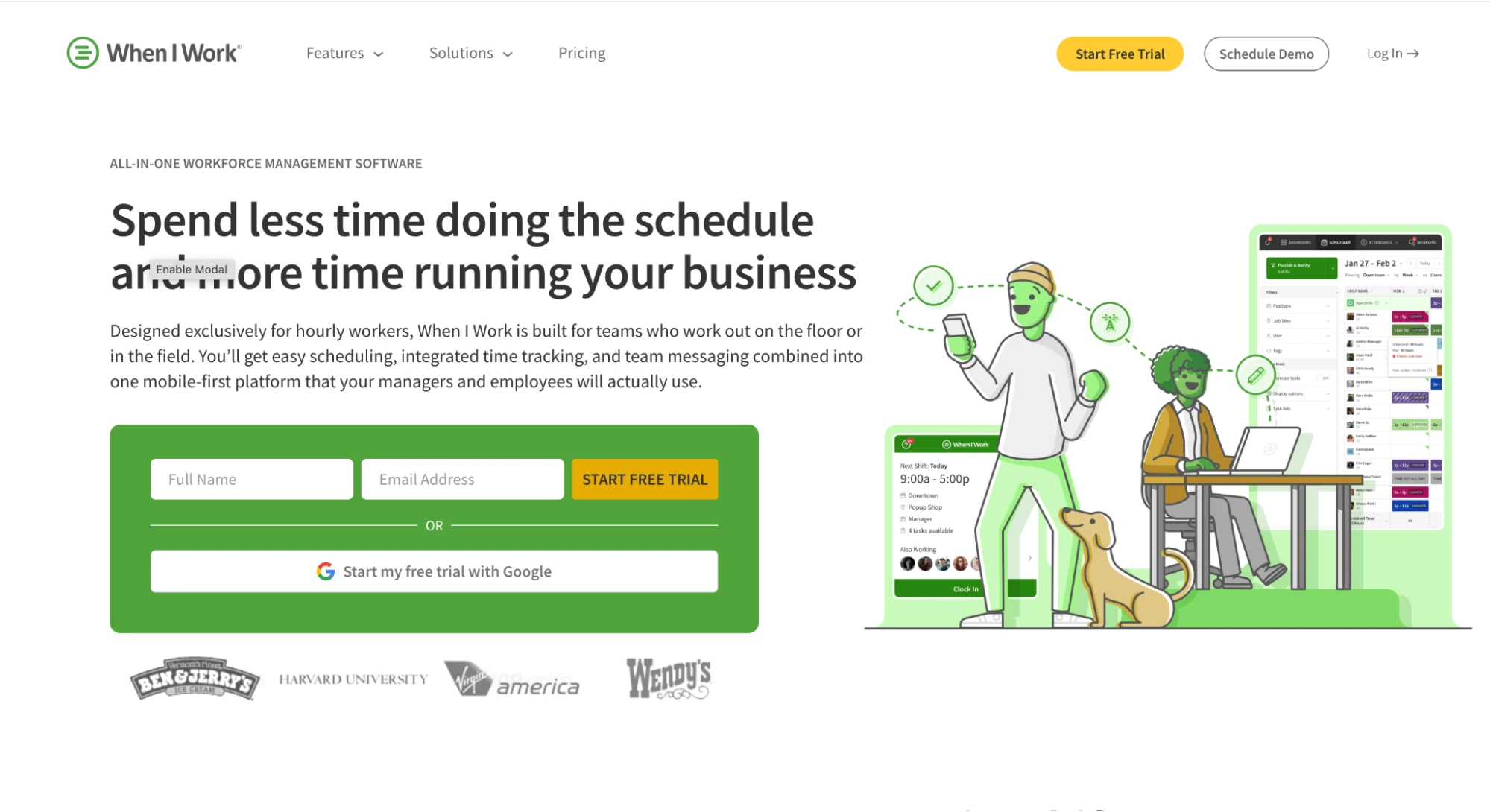
When I Work keeps scheduling simple, with shift swaps and team messaging that hourly staff use without training. Time off is tracked through the time clock.
Reporting and integrations are thinner than most tools here. Its pricing page is also internally inconsistent: the FAQ ties $2.50 to single-location and $5 to multi-location, and attendance appears as a separately priced add-on.
- Pros: simple scheduling, shift swaps, built-in messaging
- Cons: thin reporting and integrations, notification glitches, unclear attendance pricing
- Pricing: Essentials $2.50, Pro $5, Premium $8 per user per month, as of October 2026; confirm the attendance add-on on the pricing page
- Ratings: G2 4.4 (412 reviews), Capterra 4.5 (1,300 reviews)
8. Clockify: best budget option for small remote teams
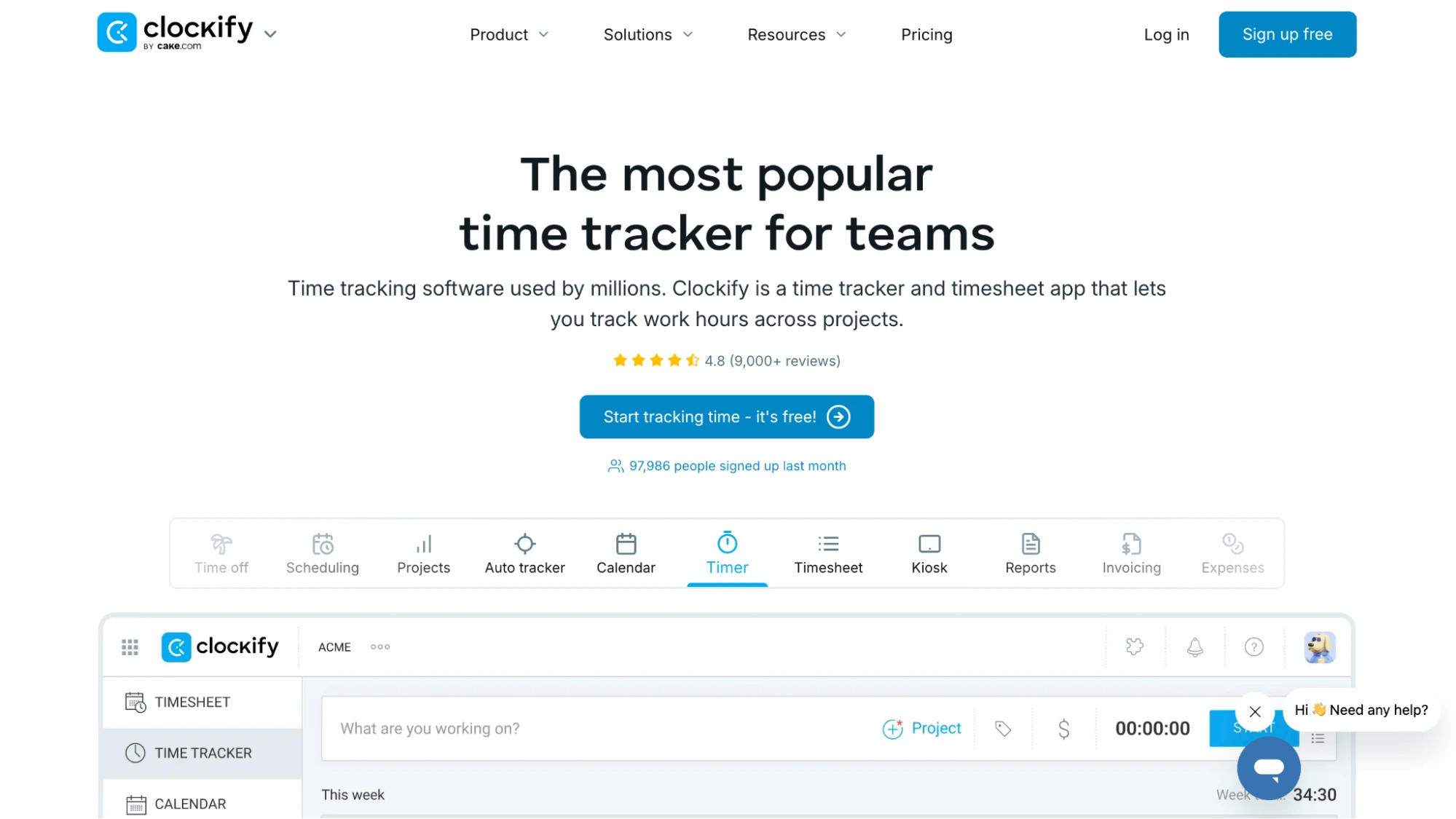
Clockify has the lowest paid entry price on this list and a generous free tier for up to five users. Its huge Capterra review base shows how widely small teams use it.
It is built for project time tracking more than shift attendance, so time off and attendance reports need the Standard plan. Kiosk-only seats cost less than full seats.
- Pros: low price, generous free tier, large and happy user base
- Cons: designed for project hours rather than shift attendance; attendance features need Standard
- Pricing: Standard $5.49 per seat billed annually ($6.99 monthly), as of October 2026
- Ratings: G2 4.5 (204 reviews), Capterra 4.8 (9,271 reviews)
9. Jibble: best free attendance management system
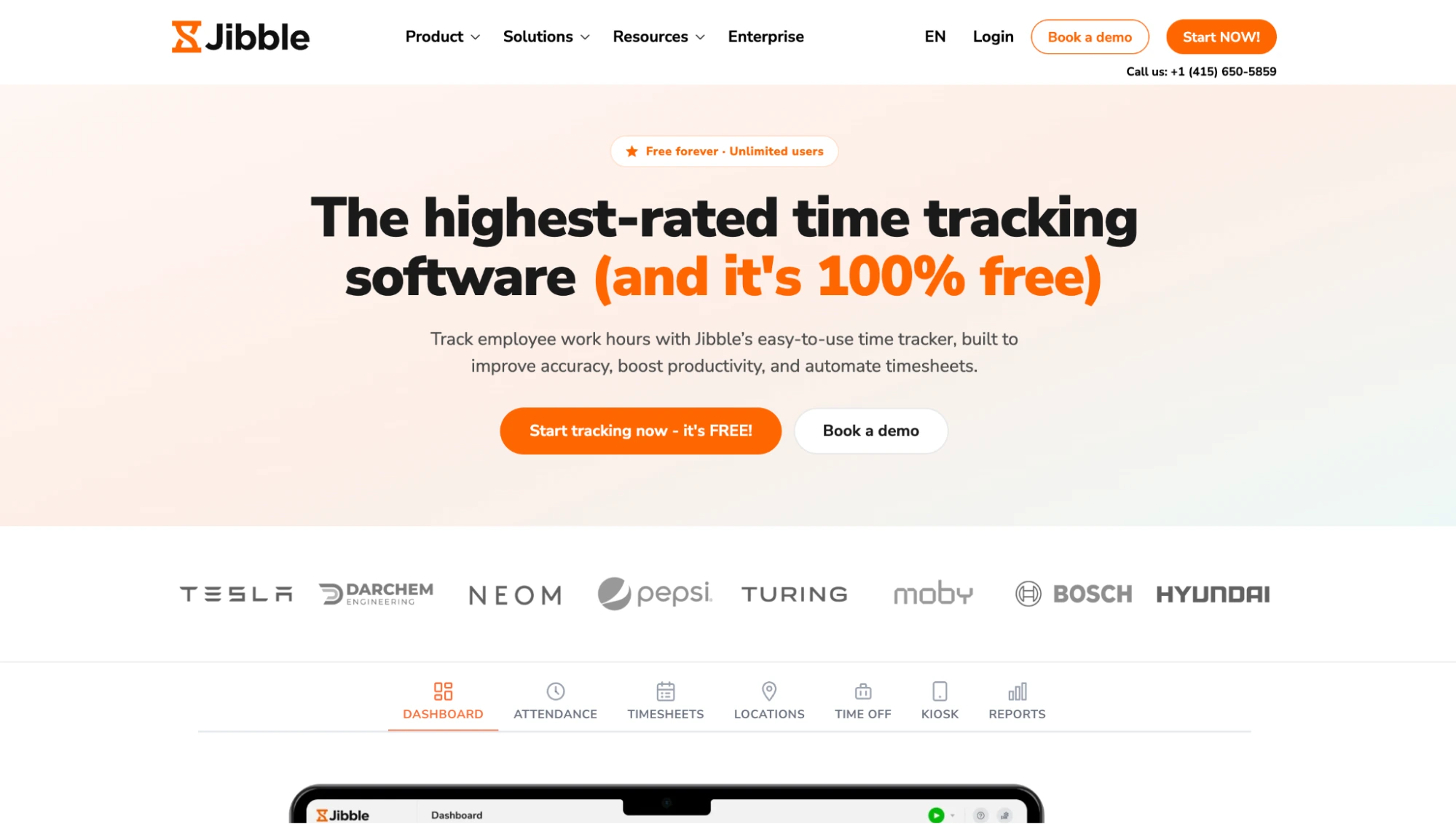
Jibble is free for unlimited users, which no other tool on this list matches. It includes face recognition, geofencing, and offline clock-in, plus native time off and accruals.
The trade-off is the hand-off. Leave and payroll rely on exports to QuickBooks, Xero, or Deel, and paid tier prices are not published on Jibble’s site.
- Pros: free for unlimited users, face recognition, geofencing, offline clock-in
- Cons: no published paid pricing; payroll depends on exports
- Pricing: free for unlimited users, as of October 2026
- Ratings: G2 4.7 (686 reviews), Capterra 4.8 (3,036 reviews)
10. Factorial: best for growing teams wanting a modular HRIS
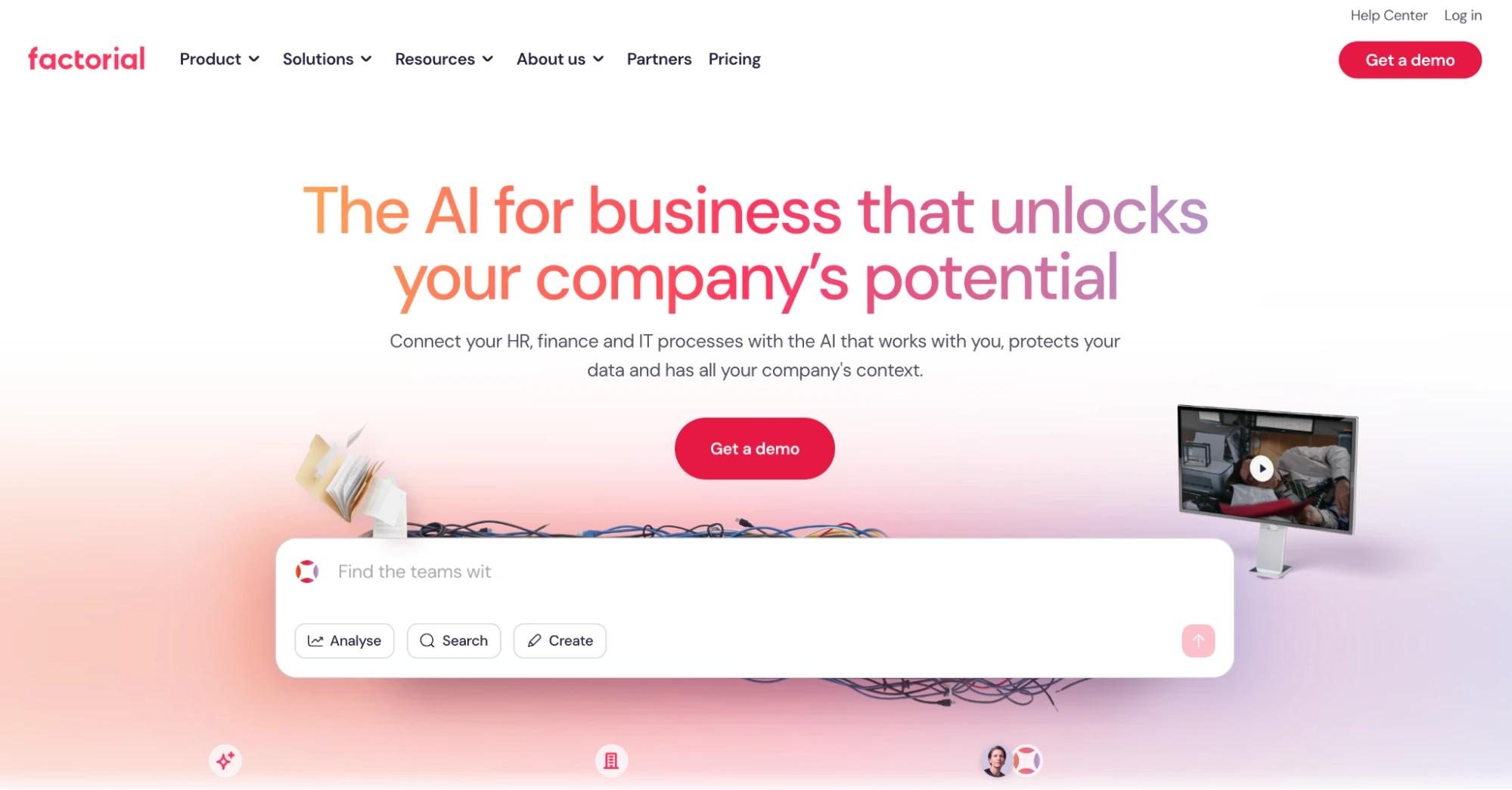
Factorial is a modular HRIS that covers time off, time tracking, shifts, and expenses. It suits teams that want attendance as one module of a broader HR system.
Pricing is quote-based per module, and reviewers mention slow support and friction with multi-country setups. It also has the lowest review volume in this set.
- Pros: broad HR coverage, native time off, payroll data sync
- Cons: quote-based pricing, slow support, multi-country complexity; US payroll scope not stated
- Pricing: from $8 per user per month, as of October 2026
- Ratings: G2 4.4 (110 reviews), Capterra 4.3 (320 reviews)
11. Zoho People: best for teams already using Zoho apps
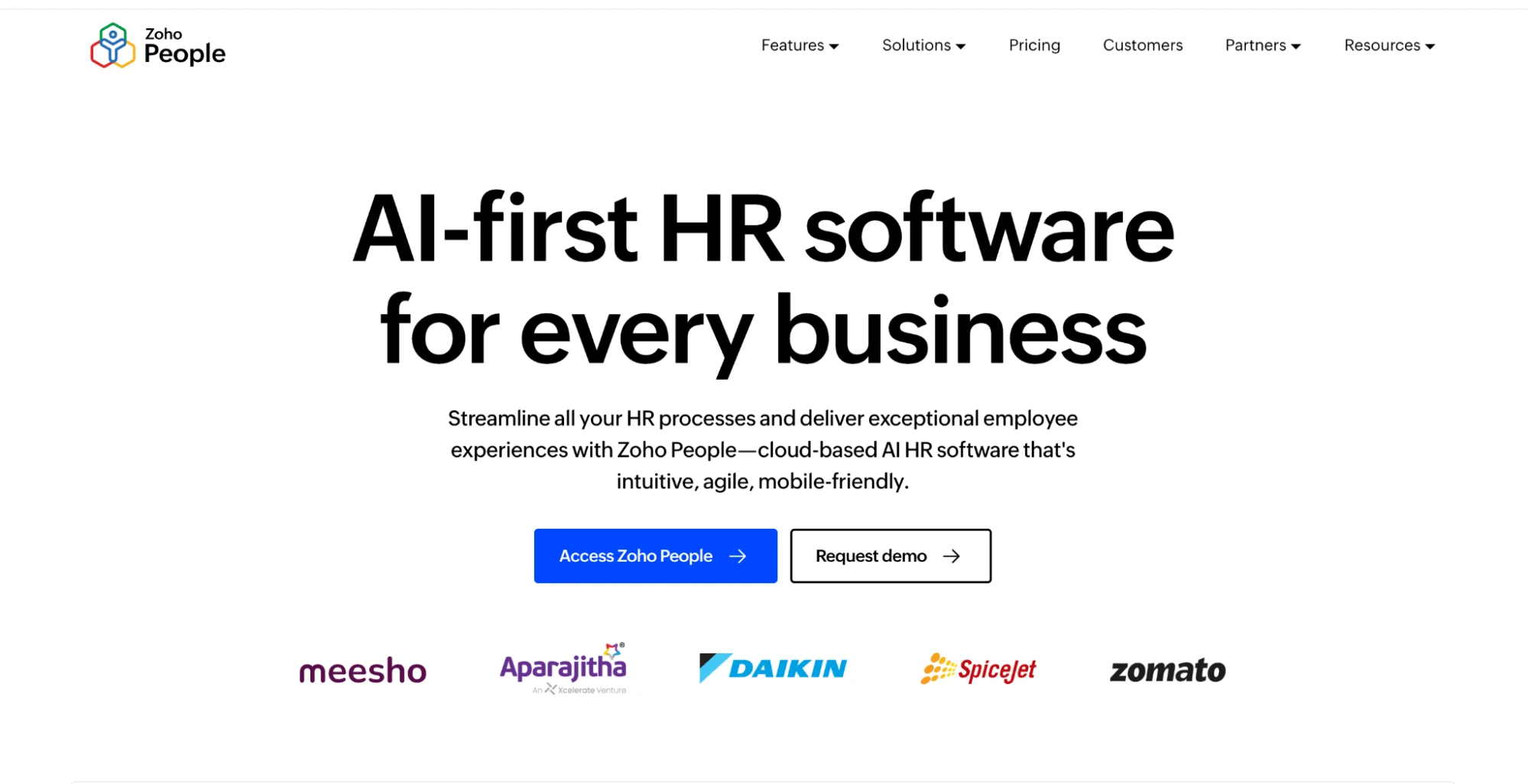
Zoho People offers strong leave and attendance tracking, biometric and geofence clock-in, and more than 20 integrations. It fits naturally if your team already runs on Zoho.
Attendance starts on the Professional plan, not the free plan, and Zoho Payroll is only available in India and the UAE. US teams will need a separate payroll provider.
- Pros: strong leave and attendance, biometric and geofence clock-in, Zoho ecosystem fit
- Cons: slow support, admin learning curve, no US payroll
- Pricing: free for up to 5 users (leave only); attendance from Professional, priced by region, as of October 2026
- Ratings: G2 4.5 (431 reviews), Capterra 4.4 (372 reviews)
Cost at a glance for a 25-person team
List prices hide very different pricing models, so here is the monthly cost for 25 employees at one location. Figures use annual billing where offered, list prices, and the cheapest plan that includes time off, as of October 2026.
| Tool | Attendance + leave, monthly | With native payroll, monthly | How it is calculated |
|---|---|---|---|
| Jibble | $0 | Not offered (exports) | Free for unlimited users |
| Pulsewise | $0 for eligible launch teams | Payroll on Elevate; confirm inclusion | Launch offer up to 100 users |
| Connecteam | $29 | Not offered (integrations) | Basic flat fee covers first 30 users |
| Homebase | $70 | $269 | Plus $70 for PTO policies; payroll $49 + $6 × 25 |
| Clockify | $137.25 | Not offered (integration) | Standard $5.49 × 25 |
| Deputy | $125 | $411.50 (Core) | Lite $5 × 25; Core $162.50 + payroll $49 + $8 × 25 |
| Buddy Punch | $143.75 | $392.75 | $19 + $4.99 × 25; payroll $49 + $8 × 25 |
| Factorial | From $200 | Quote | From $8 × 25 |
| QuickBooks Time | $270 | Plus QuickBooks Online and Payroll | Premium $20 + $10 × 25 |
| When I Work | From $62.50 + attendance add-on | Not offered (integrations) | Essentials $2.50 × 25; add-on unpriced |
| Zoho People | Regional pricing | Not offered in US | Confirm USD price on Zoho’s site |
Two things stand out. Connecteam and Jibble are the cheapest routes to attendance plus leave, but both hand payroll to another tool, which brings the reconciliation work back.
Among tools with native payroll, the real monthly cost for 25 people lands between roughly $270 and $410. Add-ons such as GPS, scheduling, or extra locations move those numbers, so price your exact setup before you sign.
How to choose the right system for your team
The right time and attendance system depends less on features and more on where your payroll already lives. Match your situation to one of these five.
You already run payroll in QuickBooks
QuickBooks Time is the natural fit, because its sync goes deeper than any integration. If the per-head cost stings, Clockify Standard and Buddy Punch both integrate with QuickBooks for less.
You run an hourly team on shifts
For one location, Homebase gives you scheduling, a time clock, PTO, and payroll from a single vendor. For rota-heavy teams that need forecasting, Deputy is the stronger scheduler, and Buddy Punch wins on support.
Hourly and frontline teams also need more than accurate punches to stay. Our guide to improving employee engagement in retail covers what keeps shift workers around.
You run a remote or hybrid office team
Office teams rarely need geofencing or kiosks. They need a simple check-in, a fair way to correct missed days, and leave that lands in the record without a second app.
Clockify works if you mostly track project hours. If attendance, leave, and payroll all matter, a connected workspace saves the most time, and our comparison of HR software for small business covers broader module options.
You need it free
Jibble is free for unlimited users and covers attendance and time off well. Connecteam’s free plan works for up to 10 users, and Homebase’s free plan covers one location with up to 10 employees.
You want attendance, leave, and payroll in one workspace
Pulsewise is built for this case. Attendance, leave, and payroll share one record, so an approved leave request and a corrected check-in are already there when payroll runs.
It suits teams willing to run payroll inside the same workspace. If you plan to keep Gusto, ADP, or QuickBooks Payroll, note that Pulsewise has no payroll connectors today, so a tool with that integration is the better fit for now.
Ready to close payroll without the Thursday reconciliation? See how Pulsewise attendance connects to leave and payroll, or book a short demo and bring last month’s timesheets.
Closing
Every tool on this list records a clock-in well. The difference shows up three steps later, when approved leave and corrected punches either reach payroll on their own or wait for someone to re-key them on a Thursday afternoon.
If your payroll already lives in QuickBooks or Homebase, pick the attendance tool that syncs with it most cleanly. If you would rather have attendance, leave, and payroll share one record, take a look at Pulsewise attendance and check whether your team qualifies for the launch offer.
FAQs
What is a time and attendance system?
A time and attendance system records when employees start and finish work, tracks absences and leave, and turns that data into payable hours or days. Most include clock-in by app, web, or kiosk, a corrections workflow, and reports. The best ones sync approved leave and send hours to payroll without manual re-entry.
How does time and attendance software connect to payroll?
Time and attendance software turns punches, corrections, and approved leave into payable hours or days for each pay period. Payroll then reads those inputs to calculate pay. The connection is native when both live in one system, or runs through an integration or CSV export when payroll sits in a separate tool.
What is the difference between time tracking and attendance tracking?
Time tracking records how long people spend on projects or tasks, often for billing or job costing. Attendance tracking records whether and when people showed up for their shift or workday, including absences, late arrivals, and leave. Many small teams need attendance for payroll, and time tracking only for client work.
How much does a time and attendance system cost for a small business?
Most paid time and attendance systems cost $2.50 to $12 per user per month, sometimes with a base fee or monthly minimum, as of October 2026. For a 25-person team, expect roughly $30 to $270 a month for attendance and leave. Adding native payroll typically brings the total to $270 to $410.
Is there free attendance tracking software?
Yes. Jibble is free for unlimited users, Connecteam is free for up to 10 users, Homebase is free for one location with up to 10 employees, and Clockify is free for up to 5 users. Free plans usually limit payroll integration, time-off policies, or the number of time clocks.
Do I need shift scheduling in my attendance management system?
You need shift scheduling if your team works rotating or variable shifts, such as in retail, hospitality, or care. An attendance management system then checks punches against scheduled shifts. Office teams with fixed hours usually only need basic shift setup and grace windows, not auto-scheduling or shift swaps.