Most 80-person companies run HR across five tabs. There is a spreadsheet for leave balances, a time clock app, a payroll provider, a survey tool someone signed up for last year, and a Slack channel where kudos go to die.
Choosing HR software for small business is rarely about finding the “best” tool. It is about deciding how many of those tabs you can close, and what you lose when you close them.
This guide is written for teams of 50 to 300 people. That is the size where spreadsheets stop working, but a six-figure enterprise suite still feels absurd.
We cover what a team that size actually needs, how HRIS, HRMS, and all-in-one HR software differ, and eight tools compared by module coverage and pricing model. Every review includes a plain “what it does not do” line, our own product included.
We build Pulsewise, an all-in-one HR workspace, so read our section with that in mind. Ratings and prices for every other tool come from G2, Capterra, and vendor pricing pages, checked on 13 October 2026.
TL;DR
- A 50- to 300-person team needs six things from HR software: a people directory, leave, time and attendance, payroll, hiring, and engagement. Most tools cover four of them well and sell the rest as add-ons.
- Pulsewise is the best fit if you want people operations and engagement (pulse surveys, kudos, goals, 1:1s, reviews) in one workspace. Its payroll calculates pay and prepares bank exports, but it does not send payments or file taxes.
- Gusto and Rippling suit US teams that need payroll with automated tax filing. BambooHR suits teams that want a solid core HR platform and can pay for add-ons. Keka suits India-based teams that need statutory payroll.
- Most HR software charges $5 to $25 per employee per month, often with a base fee or minimum. Payroll, time tracking, and performance are the modules most often sold separately.
- Before you sign, check four things in writing: what payroll actually does, which modules sit on which tier, how anonymous survey data stays anonymous, and the total cost at your headcount in 18 months.
What a 50 to 300-person team actually needs from HR software
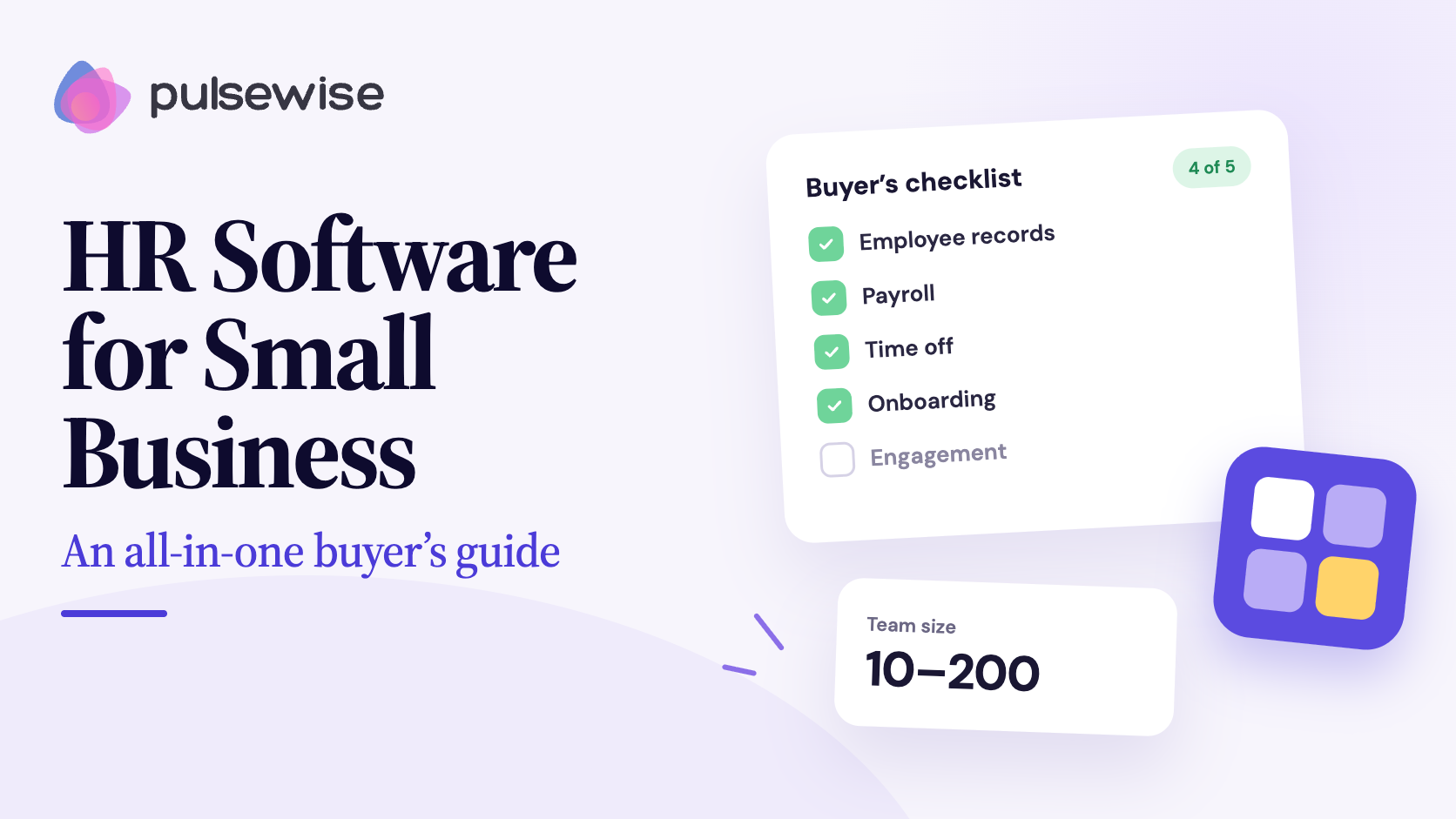
A 50- to 300-person team needs HR software that covers six jobs: keeping employee records, managing leave, tracking attendance, preparing payroll, running hiring, and listening to employees. The right tool covers the jobs you do every week natively, and connects cleanly to whatever you keep elsewhere.
The constraint at this size is people, not budget. A HiBob survey of 300 HR professionals found that 77% of small businesses have five or fewer HR staff, and 24% name managing data spread across different tools as a top challenge.
So the real test for any tool is simple. Does it remove work from a two-person People team, or add another login to maintain?
People directory and org chart
This is your single source of truth: who works here, who reports to whom, what their role and work mode are. Without it, every other module pulls from a different spreadsheet.
Look for search and filters by department and employment type, a live org chart, and separate permissions for who can view versus edit a record. Pulsewise covers this with a people directory and org chart that HR maintains and everyone can search.
Leave management
Leave is usually the first process to break. Balances drift, approvals live in email, and nobody knows who is out next Thursday.
Good leave management means balances by leave type, a manager approval workflow, a team leave timeline, and HR-configured policies and allocations.
Time and attendance
If you run shifts or need to track working days, attendance matters as much as leave. The pain is corrections: missed check-outs, work-from-home days, and on-duty travel that never gets logged.
Look for clock-in and clock-out, shift and holiday configuration, and a correction request flow with reasons and approval. Pulsewise handles this through time and attendance tracking that feeds the same data as leave.
Payroll
Small business payroll and HR are often bought separately, which is where most of the double entry comes from. Leave and attendance determine payable days, and payable days determine pay.
The question to ask any vendor is what “payroll” means in their product. Some tools calculate pay and generate payroll and payslips; others also move money and file taxes on your behalf. Those are very different jobs.
Expenses
Expense claims, advances, and travel requests are small but constant. Most teams at 80 people still chase receipts over chat.
A basic workflow with receipts, a clear approval trail, and separate flows for expense claims and travel requests removes most of that chasing.
Hiring
At 50 to 300 people, you are probably hiring every month. A light applicant tracker with staffing plans, requisitions, a candidate pipeline, and offer letters is usually enough.
You do not need an enterprise ATS yet. You need recruitment and offers in the same place as the people record the hire will become.
Engagement and performance
This is the module most HR software lists skip, and it is the one that tells you whether the rest is working. Leave and payroll keep the lights on; pulse surveys, peer recognition, goal tracking, 1:1 conversations, and performance reviews tell you whether people want to stay.
When engagement lives in a separate tool, it rarely gets connected to people data, so managers fly blind between review cycles. For a deeper look at this layer, read our employee engagement guide.
HRIS vs HRMS vs all-in-one HR software: which do you need?
An HRIS (human resources information system) stores employee data and core records. An HRMS (human resources management system) adds operational workflows such as attendance, payroll, expenses, and hiring. All-in-one HR software adds engagement and performance on top, so people data and team health sit in one workspace.
| Type | What it covers | Good fit when |
|---|---|---|
| HRIS for small business | Employee records, time off, documents, basic reporting | You mostly need a clean system of record |
| HRMS for small business | HRIS plus attendance, payroll, expenses, hiring workflows | You run day-to-day people operations in-house |
| All-in-one HR software | HRMS plus surveys, recognition, goals, 1:1s, reviews | You want one data model for operations and engagement |
In practice, vendors use these labels loosely. Ignore the acronym and compare module coverage, which is what the table below does.
The 8 best HR software options for small businesses at a glance
Each tool gets a “best for” label based on fit, not a quality score. Ratings and prices were checked on 13 October 2026.
| Tool | Best for | People and HR | Leave | Attendance | Payroll | Hiring | Engagement and performance | Pricing model |
|---|---|---|---|---|---|---|---|---|
| Pulsewise | All-in-one HRMS plus engagement, 50 to 300 people | Yes | Yes | Yes | Calculates, payslips, bank exports. No payment or filing (Elevate plan) | Yes (Elevate plan) | Pulse, kudos, goals, 1:1s, reviews, Workspace Health | Free-forever launch workspace for eligible teams; paid on request |
| BambooHR | Established core HR, US | Yes | Yes | Add-on | Add-on, US only, files taxes | Yes | Pro and Elite tiers | $10 to $25 per employee/month; flat fee under 25 people |
| Rippling | HR plus IT plus finance | Yes | Yes | Module | Yes, including global | Module | Performance and survey modules | Custom quote, per module |
| Gusto | US payroll with tax filing | Basic | Basic PTO | Plus plan or add-on | Yes, files taxes | Not core | No | $49 to $180/month plus $6 to $22 per person |
| HiBob | Mid-market, culture-led HRIS | Yes | Yes | Add-on | Via partners or modules | Yes | Yes | Custom quote |
| Zoho People | Lowest entry cost | Yes | Yes | Yes, strong | Enterprise tier, India and UAE only | Via Zoho Recruit | Professional tier and up | Free up to 5 users; low per-user tiers |
| Keka | India statutory payroll | Yes | Yes | Yes | Yes, India compliance | Separate Hire plans | Growth tier | Quote plus setup fee |
| Deel HR | Global and remote-first teams | Yes | Yes | Not core | Global payroll and EOR | Add-on | Advanced tier | From $5 per employee/month |
Reviews of the best HR software for small business
Each review covers what the tool does well, what users flag on review sites, and what it does not do. That last line matters most, because it is where buying regret usually starts.
1. Pulsewise: best all-in-one HRMS plus engagement workspace for 50 to 300 people
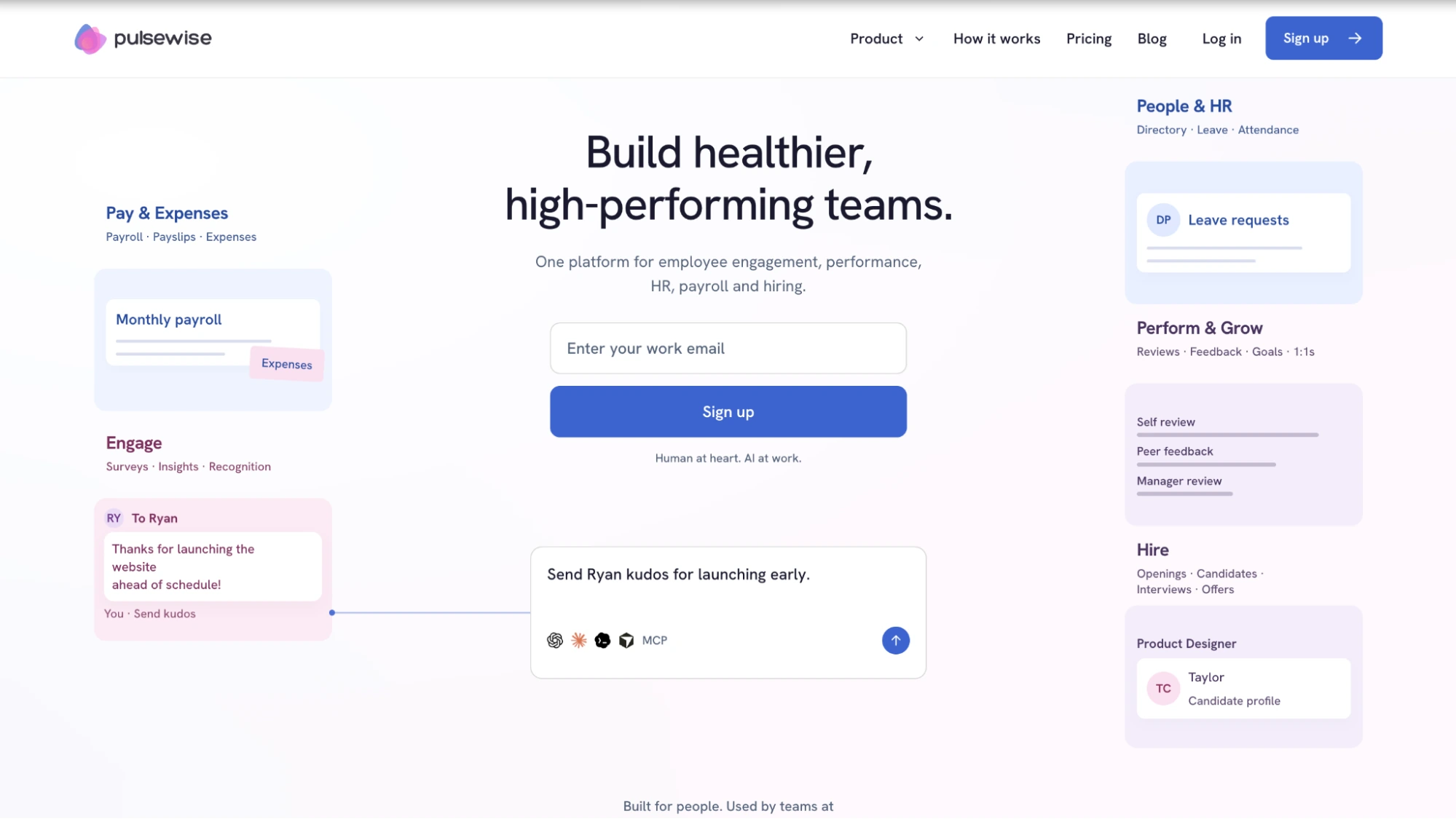
Pulsewise combines people operations and people intelligence in one workspace. Directory, leave, attendance, payroll, expenses, and hiring sit alongside pulse surveys, kudos, goals, feedback, 1:1s, and performance reviews, all on one data model.
That shared data model is the point. Approved leave can update attendance, and attendance or leave can set payable days in payroll, and managers see team health next to the work, not in a separate survey tool.
Key modules
- People and HR: people directory and org chart, leave management, time and attendance, approvals
- Pay and expenses: payroll and payslips with salary structures, payroll periods, a run review, and bank exports; expenses and travel
- Hire: staffing plans, requisitions, candidate pipeline, interviews, and offers and letters
- Engage, perform, and grow: pulse surveys, kudos, goals, feedback, 1:1s, and performance reviews with calibration and HR approval
What sets it apart
- AI assistant access with guardrails. The Pulsewise MCP lets you connect HR data to Claude or ChatGPT. The assistant acts as you and never beyond your permissions, asks for confirmation before approving leave or attendance requests, and only sees aggregate pulse data.
- Anonymity by design. Anonymous pulse responses are never exposed, and small groups show no score. HR and payroll data are kept out of engagement scores entirely.
- Entry cost. The first 100 eligible teams can get one workspace free forever for up to 100 users, with no credit card required.
Pricing: The launch offer gives eligible teams one free-forever workspace for up to 100 users, subject to availability. Activation is invitation-only, and Pulsewise documents the included modules with each team before activation. Paid plan pricing is not published, so ask for it during a demo.
What it does not do
- Payroll calculates pay, generates payslips, and prepares bank exports. Processing a run does not send a bank payment, and your team remains responsible for statutory filing. US teams that want automated tax filing should pair Pulsewise with a filing provider or use Gusto or Rippling for payroll.
- Payroll and recruitment sit on the Elevate plan. Inclusion in a launch workspace is confirmed per team before activation.
- SSO and SAML are on the roadmap, not live. Integrations today are Slack, CSV upload, and a REST API.
- Pulsewise is an emerging platform with no G2 or Capterra review volume yet. If third-party review volume is your main trust signal, the tools below have it.
Want people ops and engagement in one place? See what is included in the Pulsewise launch offer and whether your team is eligible. Check the launch offer
2. BambooHR: best for established core HR with add-on payroll (US)
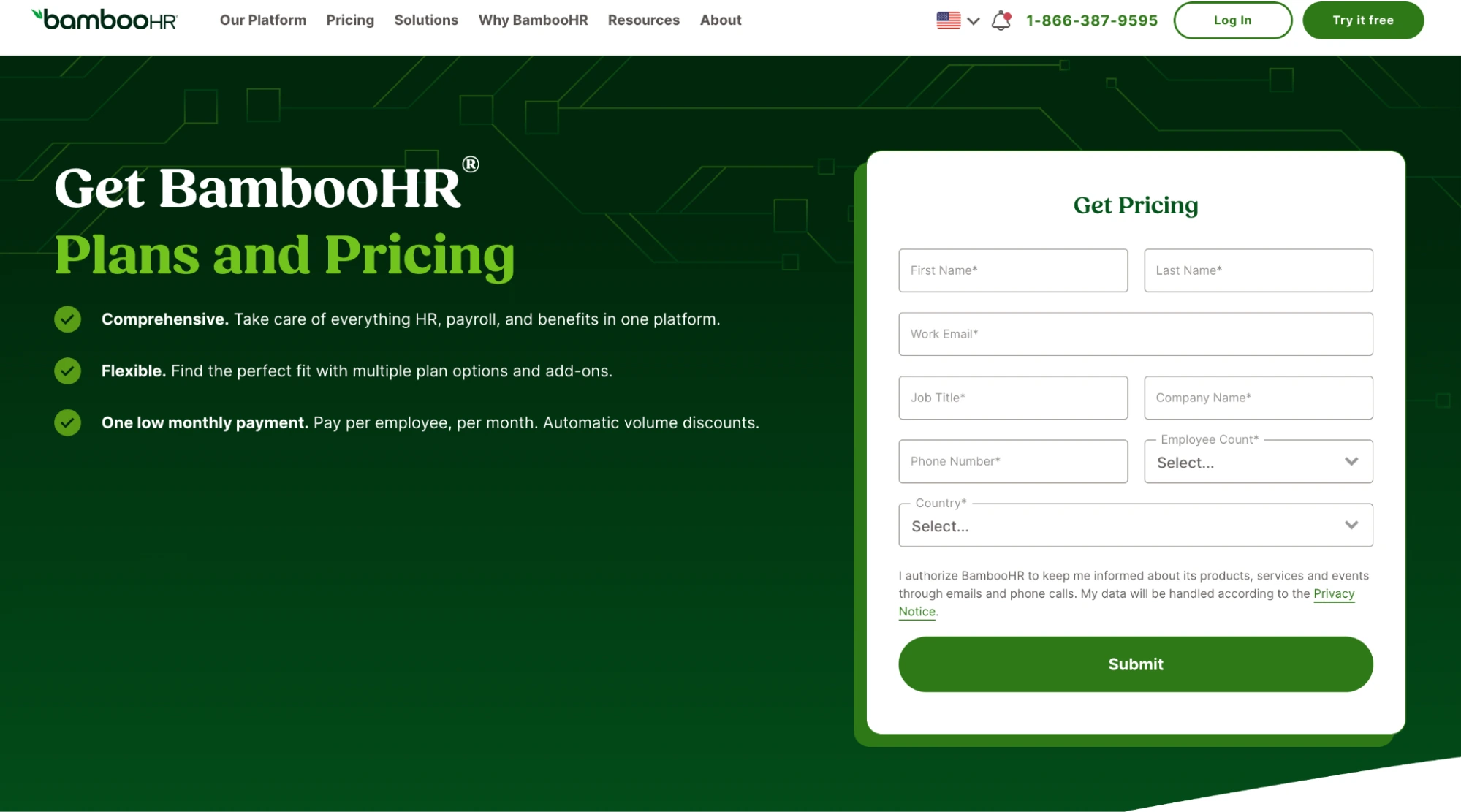
BambooHR is the default name in small business HRIS, and for good reason. Its Core plan covers HR data, hiring, onboarding, time off, and an AI assistant, while Pro adds performance, recognition, and rewards, and Elite adds compensation management.
Pricing: Core is listed at $10, Pro at $17, and Elite at $25 per employee per month. Teams of 25 or fewer pay flat fees of $250, $425, or $650 per month. Payroll, benefits administration, and time and attendance are paid add-ons, and payroll is US-only.
Ratings: 4.4 on G2 (7,149 reviews) and 4.6 on Capterra (3,649 reviews).
What users like: On Capterra, reviewers overwhelmingly rate it intuitive, praise its HR automation, and call out a clean interface.
What users flag: Capterra’s review summary shows recurring complaints about limited payroll integration, high and variable pricing, and slow support when glitches appear.
What it does not do: Engagement and performance only arrive on Pro and above, and attendance is an add-on on every tier. A 100-person team that wants the full picture pays for several layers.
3. Rippling: best for HR plus IT plus finance on one platform
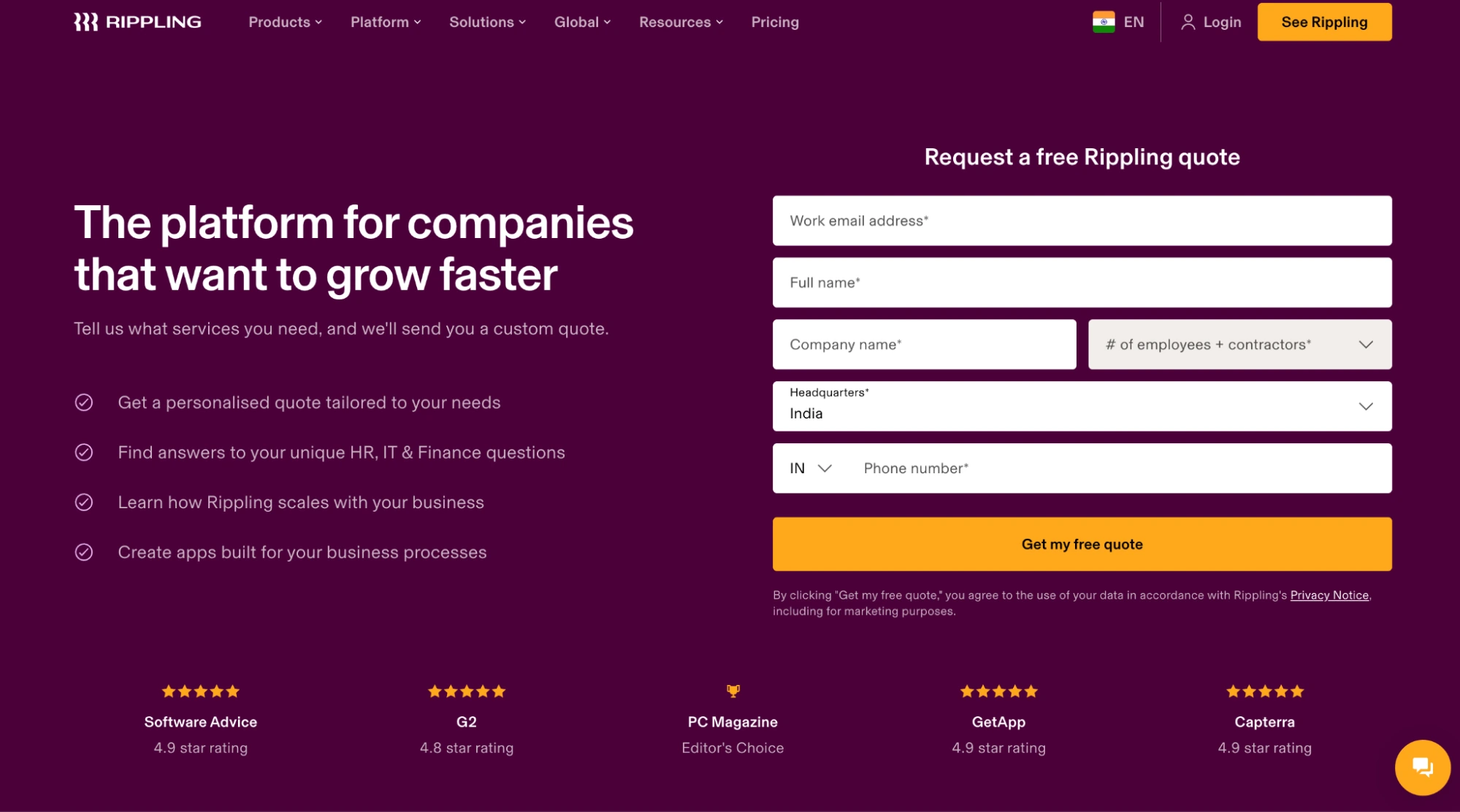
Rippling is the broadest platform here. On top of HRIS and payroll it offers global payroll, employer of record, recruiting, performance, surveys, learning, scheduling, benefits, device management, expenses, and corporate cards.
Pricing: Custom quote only. You buy a required core platform, then add modules per employee per month, so the total depends heavily on what you stack.
Ratings: 4.8 on G2 (13,862 reviews) and 4.9 on Capterra (4,885 reviews), the strongest scores in this list.
What users like: Reviewers praise the unified HR and IT view and automated onboarding. One Capterra reviewer at a 51- to 200-person company called onboarding and offboarding automation “a game-changer.”
What users flag: Bugs and glitches, session timeouts, and limited reporting come up most often on Capterra.
What it does not do: Pricing is opaque until you talk to sales, and costs compound per module. Engagement is one module among dozens, not the core of the product.
4. Gusto: best for US payroll with tax filing
Gusto is a payroll company first. It runs payroll, files and pays payroll taxes, and handles benefits and compliance, which is exactly what many US small businesses need most.
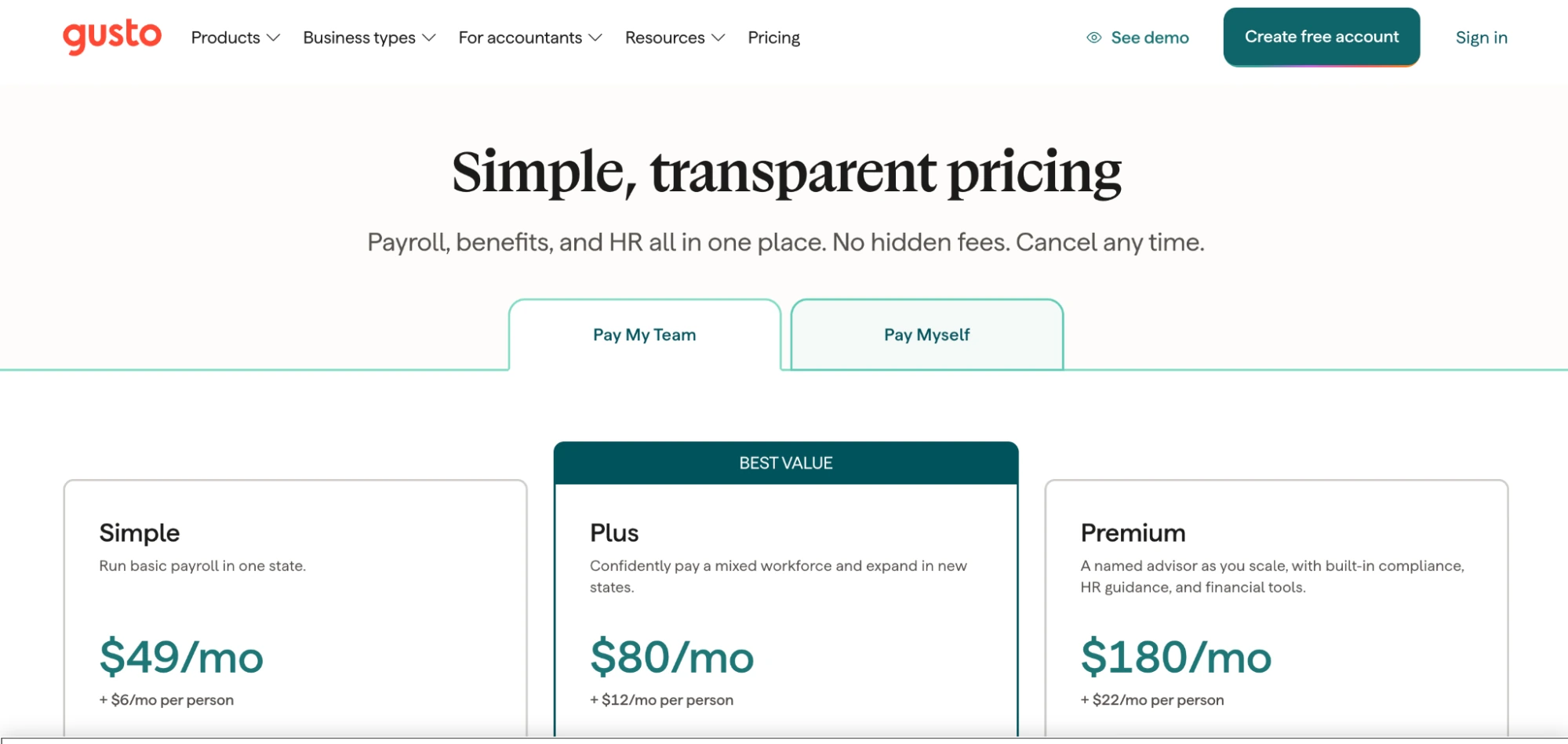
Pricing: Simple is $49 per month plus $6 per person, Plus is $80 plus $12, and Premium is $180 plus $22. Time tracking comes with Plus or as an add-on.
Ratings: 4.6 on G2 (13,408 reviews) and 4.6 on Capterra (4,230 reviews).
What users like: Capterra reviewers rate the workflow simple, the interface clean, and digital onboarding smooth.
What users flag: Restrictive reporting, limited mobile functionality, and difficult data migration.
What it does not do: Gusto has no performance reviews, goals, surveys, or recognition on any plan. It pairs well with an engagement platform, which is also a common setup for Pulsewise customers in the US.
5. HiBob: best for mid-market, culture-led HRIS
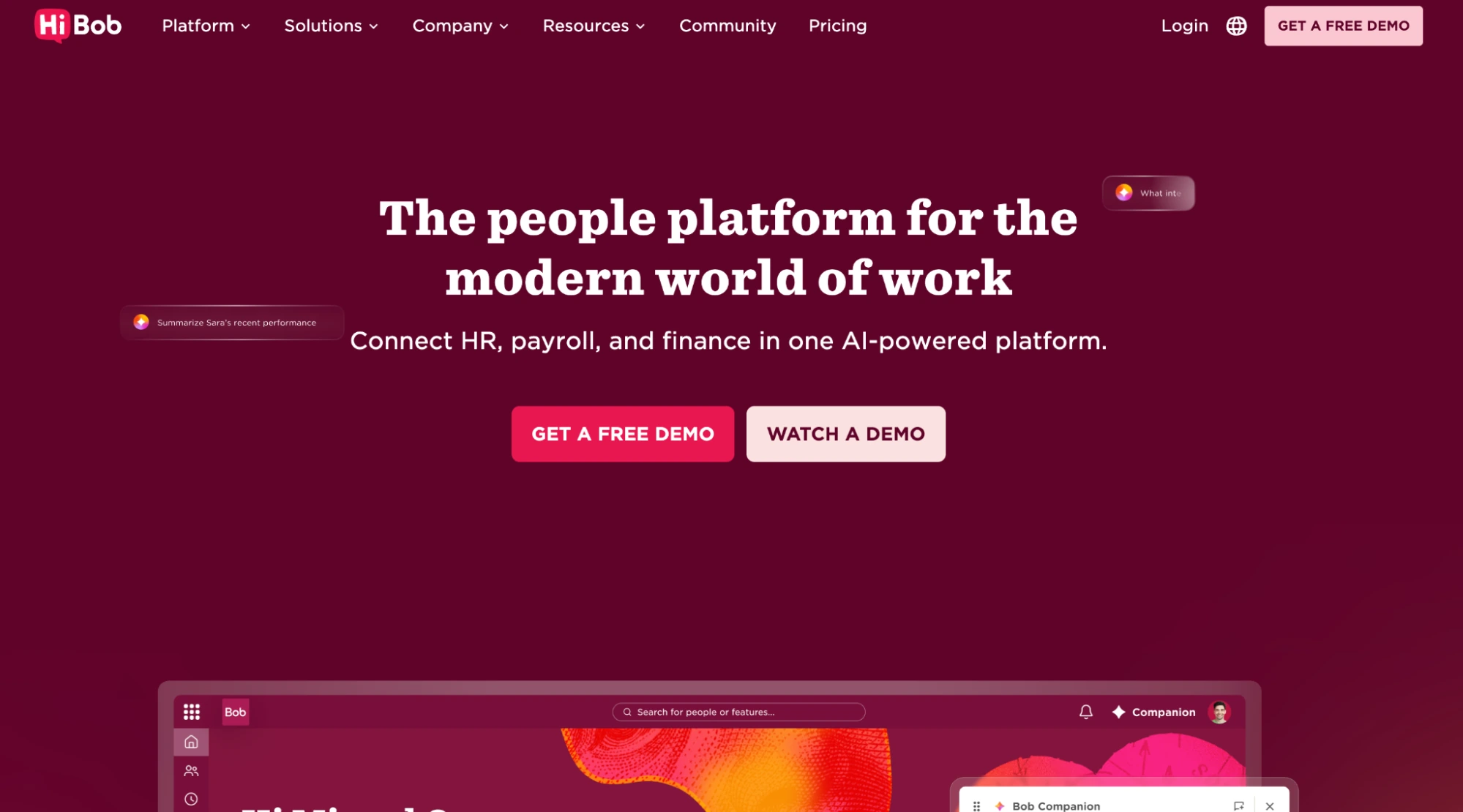
HiBob (often just “Bob”) is built for companies that care about culture and employee experience. It centralizes people data with a modern interface, strong org charts, self-service, and good Slack and Google Calendar integrations.
Pricing: Custom quote only. Third-party estimates put core HRIS pricing in the mid-teens per employee per month, so treat any public figure as a rough estimate.
Ratings: 4.5 on G2 (2,692 reviews) and 4.6 on Capterra (179 reviews).
What users like: Centralized data and breadth. One People Operations reviewer on Capterra wrote that HiBob has “SO MUCH incredible capability.”
What users flag: Clunky time-off and reporting views, a learning curve, and add-on or overage costs.
What it does not do: HiBob is priced and scoped for mid-market companies, with no free trial. Teams under 100 people often find it more platform than they need.
6. Zoho People: best for budget-first teams already on Zoho
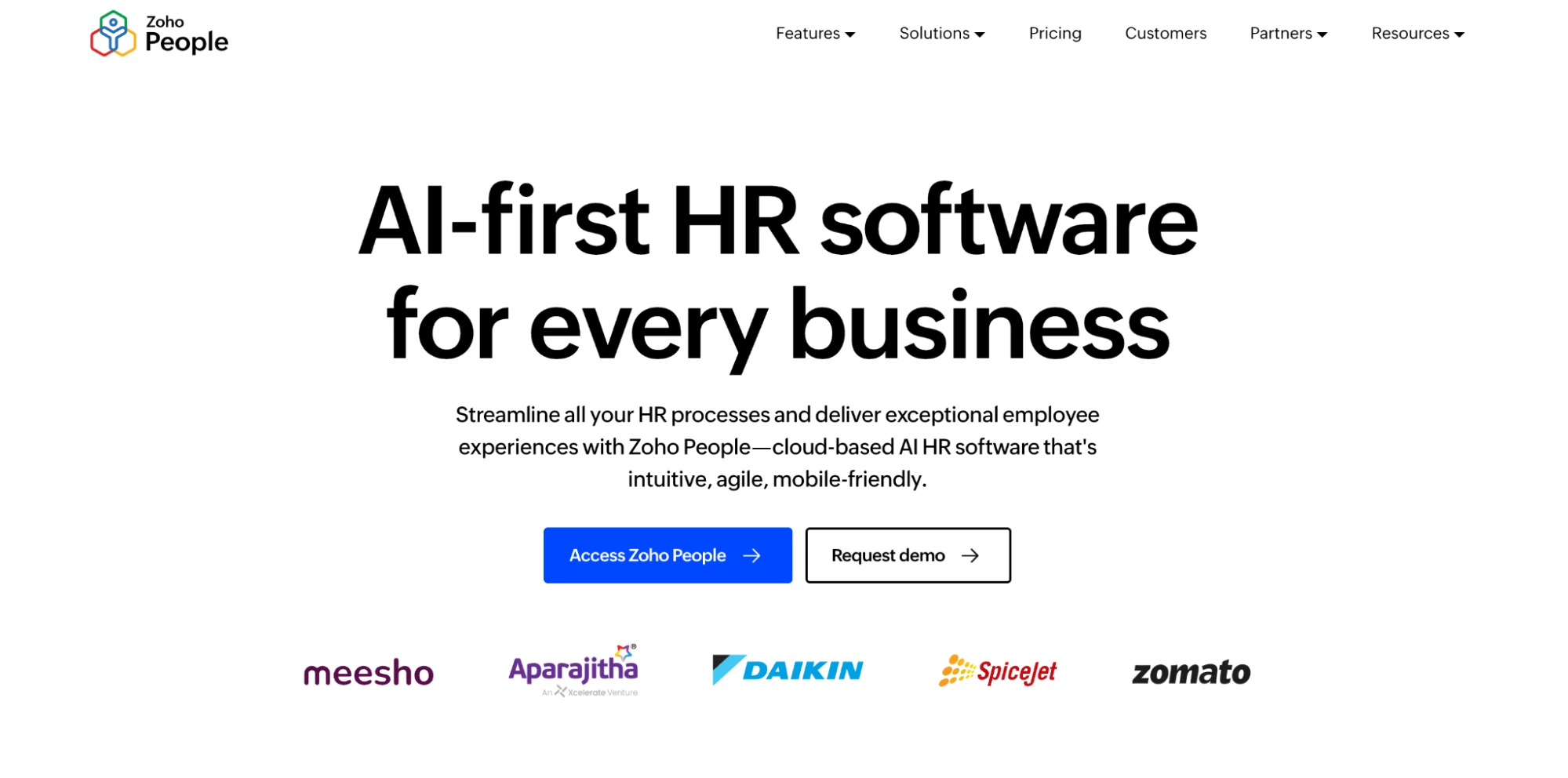
Zoho People is the lowest-cost option on this list. Its attendance module is genuinely strong, with web and mobile check-in, kiosk mode, geo restrictions, shifts, and timesheets.
Pricing: Free for up to 5 users (employee database and time off). Paid tiers are priced per user per month in low single-digit dollars, with a 5-user minimum.
Ratings: 4.4 on G2 (430 reviews) and 4.4 on Capterra (366 reviews).
What users like: No hidden costs, strong value, and solid feature depth for the price.
What users flag: Free plan limits and setup that sometimes needs paid third-party help.
What it does not do: Payroll is only available on the Enterprise tier, and only for India and the UAE. Engagement and performance are light compared with dedicated tools.
7. Keka: best for India-based teams that need statutory payroll
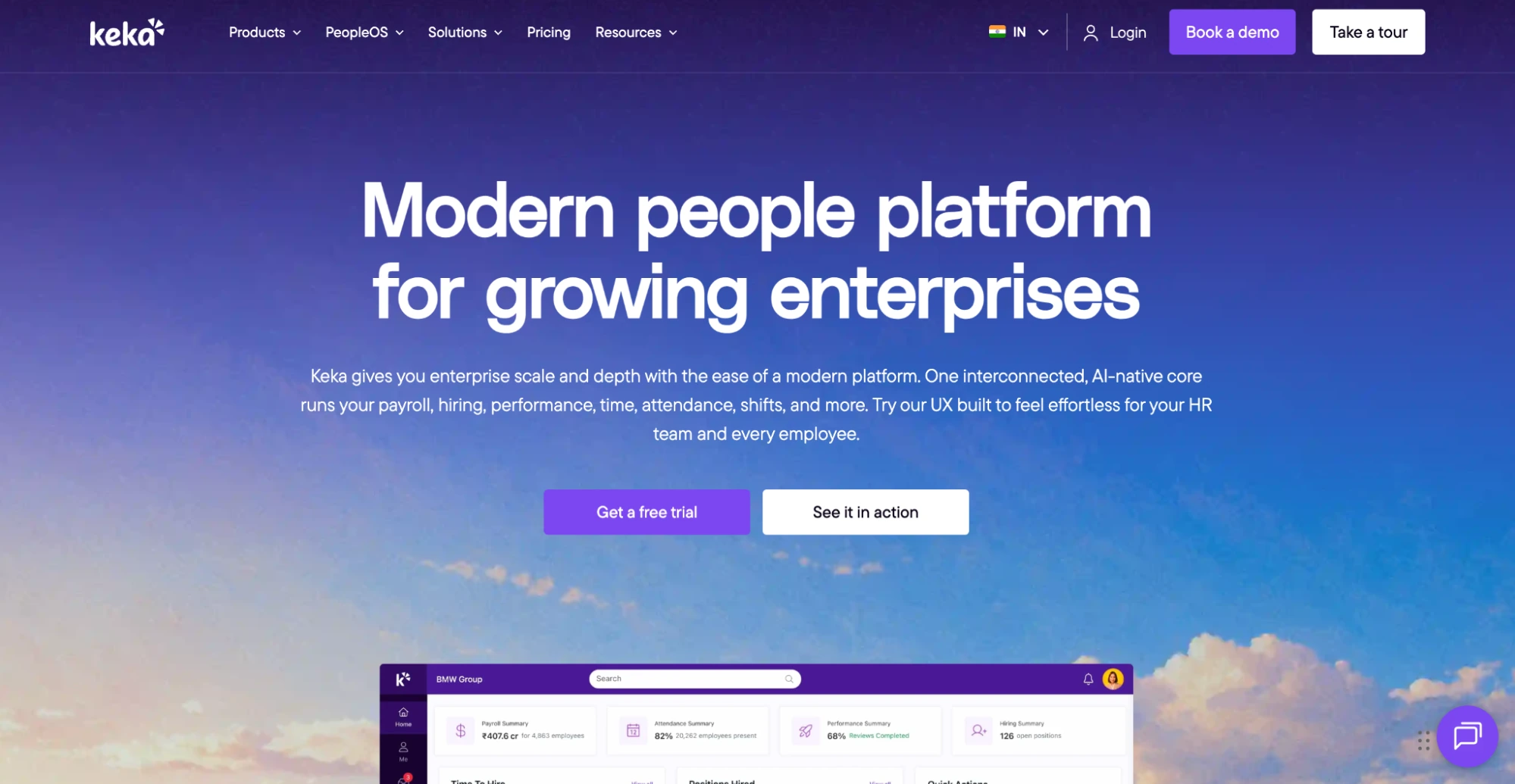
Keka is built for Indian payroll compliance. Its Foundation plan covers core HR, leave, attendance, expenses, and payroll with PF, ESI, LWF, and TDS handling, while higher tiers add geofencing, SSO, pulse surveys, OKRs, 1:1s, 360 reviews, and recognition.
Pricing: Quote-based, with a setup fee.
Ratings: 4.4 on G2 (2,165 reviews, Core HR category) and 4.4 on Capterra (92 reviews).
What users like: An easy interface, a single platform, and self-service automation.
What users flag: Slow support during payroll periods, limited workflow flexibility, and lag or auto-logouts. Capterra rates customer service at 3.9, the lowest in this list.
What it does not do: Performance and engagement depth require the top Growth tier. Outside India, its core advantage largely disappears.
8. Deel HR: best for global and remote-first teams
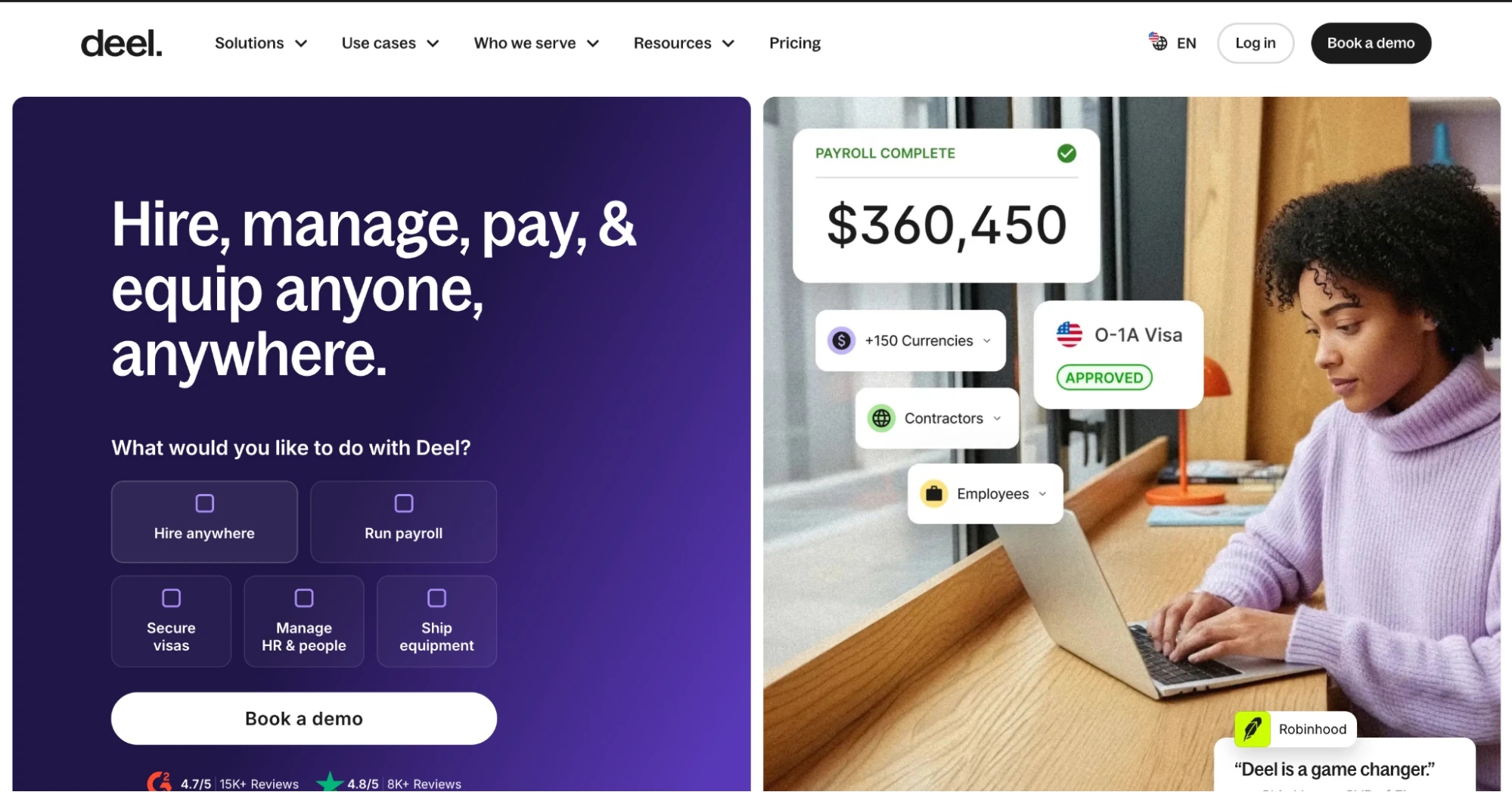
Deel HR grew out of Deel’s employer of record and contractor business. If you hire across borders, nothing else on this list handles it as completely.
Pricing: Deel HR Core starts at $5 per employee per month, with Advanced adding performance, goals, and surveys. Employer of record is $599 per employee per month, and contractor management is $49 per month, per Deel’s pricing page.
Ratings: 4.7 on G2 (1,580 reviews, Core HR category).
What it does not do: Attendance is not a core strength, and engagement sits on upper tiers. For a single-country team, you pay for global machinery you will not use.
Comparing engagement layers specifically? Our breakdown of the best employee engagement software covers tools like Lattice and Culture Amp. You can also read our guides to Lattice alternatives and Culture Amp alternatives for smaller teams, or see Pulsewise vs Lattice side by side.
How much does HR software cost for a small business?
Most HR software for small business costs $5 to $25 per employee per month, often with a base fee or minimum on top. Payroll, time tracking, benefits, and performance are the modules vendors most often sell as add-ons, so the real price depends on how many you need.
The four pricing models you will run into
- Base fee plus per person. A monthly platform fee plus a charge per employee. Gusto uses this model.
- Per employee per month, tiered. Each tier unlocks more modules. BambooHR, Zoho People, and Deel HR work this way, sometimes with a flat fee for very small teams.
- Custom quote, per module. You buy a core platform and stack modules. Rippling, HiBob, and Keka sit here, which makes comparison shopping slow.
- Free tier or launch offer. Zoho People is free up to 5 users. Pulsewise offers a free-forever workspace for up to 100 users to its first 100 eligible teams.
What 100 employees cost at published prices
These figures use list prices only, before add-ons, implementation fees, or negotiated discounts.
| Tool and plan | Monthly cost at 100 employees | What is still missing |
|---|---|---|
| BambooHR Core | About $1,000 | Performance, recognition, attendance, payroll |
| BambooHR Pro | About $1,700 | Attendance, payroll |
| Gusto Simple | $649 | Performance, engagement, full-time tracking |
| Gusto Plus | $1,280 | Performance, engagement |
| Deel HR Core | From $500 | Performance and surveys (Advanced tier) |
| Pulsewise launch workspace | $0 for eligible teams, up to 100 users | Module scope confirmed per team before activation |
Add-on stacking is the most common value complaint across Capterra reviews in this category. Before you compare sticker prices, list every module you need in month 18, not month one.
For engagement-only tools, our engagement software pricing breakdown covers what Lattice, Culture Amp, 15Five, and others charge.
How to choose: a 10-point buyer checklist
Run every shortlisted tool through these ten questions. Ask for the answers in writing, because demo answers and contract terms do not always match.
- Module coverage. Which of the six jobs (directory, leave, attendance, payroll, hiring, engagement) does it cover natively, and which are add-ons?
- One data model. Does approved leave update attendance, and does attendance feed payroll without a CSV in between?
- Payroll scope. Does payroll only calculate, or does it also pay employees and file taxes? Which countries are supported?
- Permissions. Can you separate who views a record from who edits it, and limit managers to their own team?
- Anonymity. How are survey responses protected, and are small groups suppressed so nobody can be identified?
- AI access and controls. If the tool connects to AI assistants, does the assistant stay within the user’s permissions and confirm before acting? Pulsewise documents this on its MCP page.
- Integrations. Does it connect to Slack or Teams, accounting, and your identity provider? A HiBob survey found 69% of HR professionals rate integration with other business tools as very important.
- SSO and security. Is SSO live or on the roadmap, and can the vendor share security documentation and a DPA? Review each vendor’s security and privacy approach before procurement.
- Migration. Who moves your employee records, leave balances, and history, and what does it cost?
- Total cost at your 18-month headcount. Include add-ons, implementation, minimums, and annual escalators.
Run this checklist against a live workspace. Book a 20-minute walkthrough with the Pulsewise team and bring your own list of must-haves. Book a walkthrough
Why one connected workspace beats five HR tools
One connected workspace beats five HR tools because the data stops disagreeing. When leave, attendance, payroll, and engagement share one record, nobody reconciles spreadsheets, and managers see team health next to the work itself.
Here is what changes in practice.
- Fewer handoffs. An approved leave request updates attendance, and attendance sets payable days. The payroll run review shows the result before anyone submits.
- Context for managers. A manager preparing a 1:1 sees goals, recent feedback, and team pulse trends in one place. Our tools for managers page shows how that comes together.
- One answer for leadership. People leaders get workforce data and engagement signals from the same system, which makes board reporting a filter, not a project. See how it works for people leaders.
- Fewer logins and invoices. Every tool you retire is one less renewal, one less permission model, and one less place sensitive data lives.
- AI that can actually help. An AI assistant connected to one workspace can check a leave balance, prep a 1:1, or give kudos in one request. Across five disconnected tools, it cannot.
The trade-off is depth. A specialist payroll provider will always file taxes in more jurisdictions than an all-in-one HRMS. The right setup for many teams is one connected workspace plus one specialist, not five tools.
To see how setup works in a single workspace, read how Pulsewise works.
Final verdict: which HR software fits your situation
There is no single best HR software for small businesses. There is a best fit for your mix of headcount, countries, and how much of the stack you want in one place.
| Your situation | Start with |
|---|---|
| You want people ops and engagement in one workspace, 50 to 300 people | Pulsewise |
| You need US payroll with automated tax filing above all else | Gusto, or Rippling if you also need IT and finance |
| You want established core HR and can budget for add-ons | BambooHR |
| You hire across several countries | Deel HR |
| Your team is mostly in India and needs statutory payroll | Keka |
| Budget is the hard constraint and you already use Zoho | Zoho People |
If you are running HR across five tabs today, start by listing which ones you could close this quarter. The tool that closes the most of them, without hiding the gaps, is usually the right one.
For a lot of 50 to 300 person teams, that means one workspace for people operations and engagement, plus a specialist only where you truly need one. That is what we built Pulsewise to be.
The first 100 eligible teams can get a free-forever Pulsewise workspace for up to 100 users. No credit card, modules confirmed before activation. Check availability or book a demo to see it with your own team in mind.
FAQs
What is the best HR software for a small business?
It depends on what you need to consolidate. Teams of 50 to 300 people that want people operations and engagement in one workspace should look at Pulsewise. US teams that need automated payroll tax filing often choose Gusto or Rippling, while BambooHR suits teams that want established core HR with paid add-ons.
How much does HR software cost for a small business?
Most tools charge $5 to $25 per employee per month, often with base fees or minimums on top. BambooHR charges a flat $250 a month for 25 or fewer people, and Gusto starts at $49 a month plus $6 per person. Payroll, benefits, and time tracking are frequently priced as add-ons.
What is the difference between HRIS and HRMS?
An HRIS stores employee data and handles core records like profiles, time off, and reporting. An HRMS adds operational workflows such as attendance, payroll, expenses, and hiring. All-in-one HR software goes further by adding engagement and performance, so people data and team health sit in the same workspace.
Does a 50-person company need HR software?
Usually, yes. At around 50 people, leave balances, attendance corrections, payroll inputs, and review cycles outgrow spreadsheets and inbox approvals. A single system cuts duplicate data entry, gives managers self-serve views of their teams, and keeps sensitive employee records behind role-based permissions instead of shared files.
Can one HR platform handle payroll and employee engagement?
Some can. Pulsewise combines payroll calculation, leave, attendance, and expenses with pulse surveys, kudos, goals, and reviews in one workspace. Check the payroll scope carefully: Pulsewise calculates pay, generates payslips, and prepares bank exports, but your team still sends payments and handles statutory filing.
Is there free HR software for small businesses?
Yes, with limits. Zoho People is free for up to 5 users. Pulsewise offers a free-forever workspace for up to 100 users to its first 100 eligible teams, with included modules confirmed before activation. Free tiers rarely include payroll, so confirm exactly what you get in writing before you migrate.